WebTrader vs desktop platforms: why brokers are moving to the browser
Web trading platform or installed desktop software? A fair look at what each one means for sign-ups, support and your brand, why brokers are moving to the browser, and what to check before you choose.
 EVO PlatformsTrading platforms7 min read
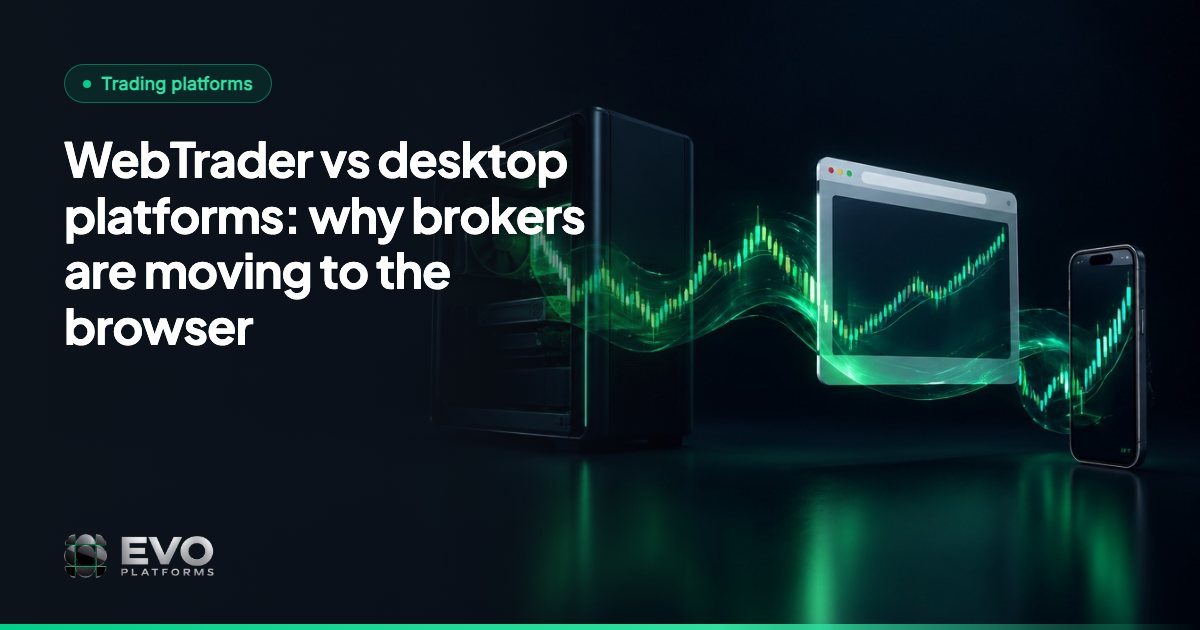
A web trading platform runs in the client's browser with nothing to install, while a desktop platform is software each client downloads onto one computer. Brokers are moving to the browser because it removes the download step between sign-up and first trade, works on a laptop and a phone alike, and keeps the broker's brand and domain in front of the client from the first click.
That does not make desktop software obsolete. Installed terminals still have real strengths. This guide compares the two honestly from a broker's point of view: what changes for onboarding, support and branding, where desktop still wins, and what to check in a WebTrader for brokers. We use EVO WebTrader as the working example, because it is the browser platform we build.
Key takeaways
- A web trading platform runs in the browser with nothing to install; a desktop platform is downloaded onto each client's computer.
- Brokers are moving to the browser for a shorter path to first trade, one platform on every device and a brand that stays visible from the first click.
- Desktop platforms remain strong for deep customisation, add-ons and clients who ask for a specific terminal.
- Browser speed depends on the architecture: EVO streams quotes over WebSocket in real time, on a dedicated VPS for each broker.
- EVO WebTrader comes as one system with EVO CRM, the back office and the price feed, live in less than 24 hours.
Web trading platform vs desktop platform: the real difference
Both give a client charts, prices and an order ticket. The difference is where the software lives and what has to happen before the client can use it.
| Factor | Browser trading platform | Installed desktop platform |
|---|---|---|
| Getting started | Open a link and log in | Download, install, then log in |
| Devices | Any computer or phone with a browser | The computer it was installed on, with separate apps for other devices |
| Updates | Served when the page loads | Usually applied on each client's machine |
| Where the client sees your brand | Your domain, login and client area | Depends on the vendor and how far it can be branded |
| Heavy customisation | Focused on what most traders use | Often deeper: workspaces and add-ons |
| Best fit | Broad retail audiences, mobile-first clients | Experienced traders with established setups |
The line between the two is not absolute. Established products such as MetaTrader 5 and cTrader offer installed apps as well as browser versions, so always check the vendor's current offer. The real question is which experience you build your brokerage around.
Why brokers are moving to the browser
A shorter path from sign-up to first trade
Every extra step between a marketing click and a funded account is a place to lose someone. A download is a big step: the client has to find the right version, trust an installer and remember to open it later. With a browser platform, the client registers, lands in the client area and is one click from the trading screen.
One platform on every device
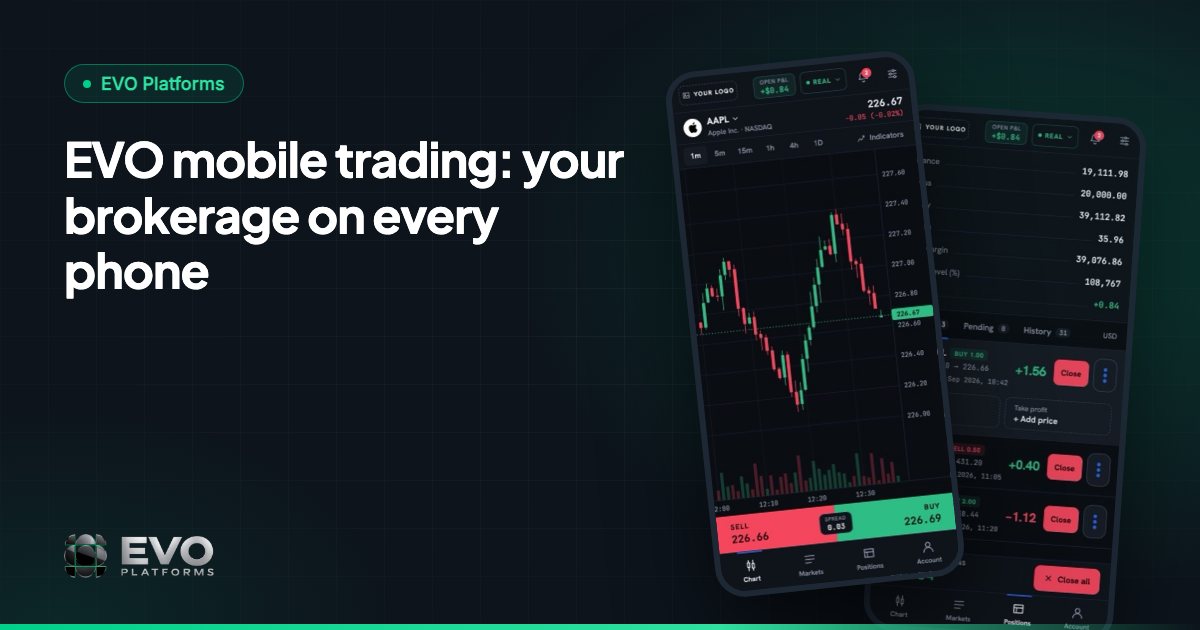
Many clients trade from a phone as readily as from a computer. A browser platform follows them: the same login, the same balance and the same open positions on a laptop in the morning and a phone in the afternoon. Our guide to EVO mobile trading explains how that works in practice.
Your brand, not a vendor's
A client who trades on your own domain, through your login page and in your colours is building a relationship with your company. That is why white label matters more in a browser: the whole journey, from your website to the client area, can feel like one product.
Fewer support problems of the wrong kind
Installed software brings its own questions: which version, which operating system, why the app will not open. In a browser, your team can spend that time on accounts, deposits and trading instead.
Where desktop platforms are still strong
A fair comparison has to say this clearly. Installed platforms have earned their place, and they can be the better choice for certain clients:
- Deep customisation: experienced traders often build detailed workspaces over many years.
- Add-ons and automation: ecosystems such as MetaTrader's Expert Advisors and indicators run in that vendor's own software.
- Familiarity: some clients ask for a platform by name, and their habits are worth respecting.
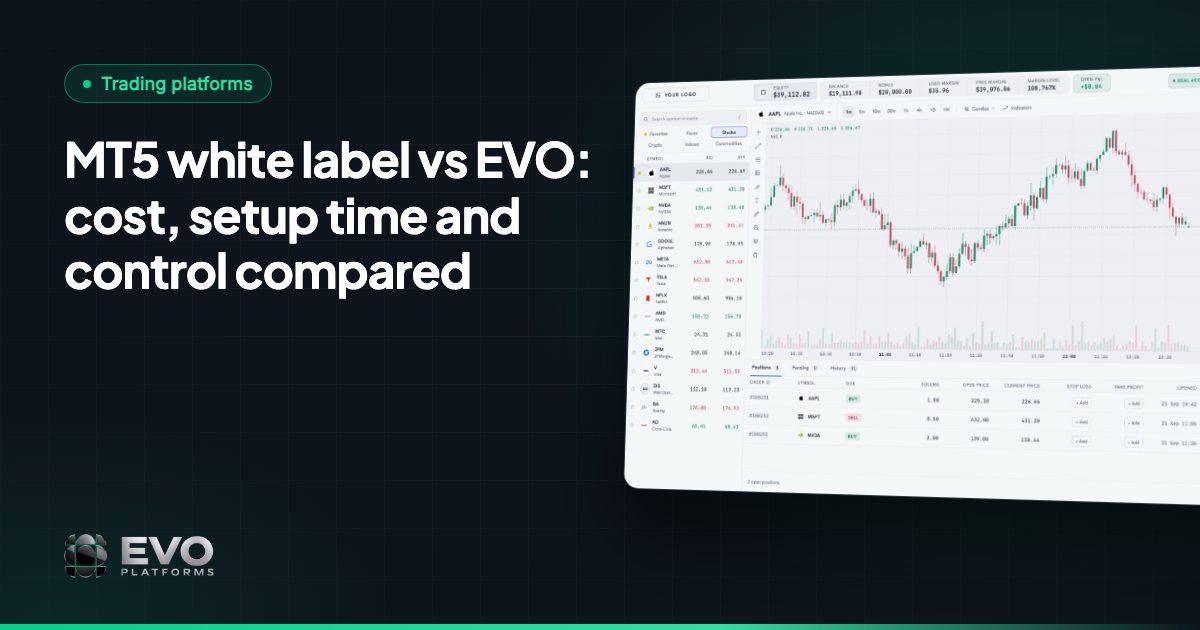
If your target clients depend on those things, a browser-first platform may not be what they are looking for. EVO WebTrader is a browser platform, not a MetaTrader terminal, and our MT5 white label vs EVO comparison sets out when each one fits. For a wider view of the market, see the best MetaTrader alternatives.
Is a browser trading platform fast enough?
This is a common question, and the answer depends far more on the architecture behind the screen than on whether the screen is a browser. Older web pages that refreshed every few seconds gave browser trading a poor reputation. A modern platform keeps a live connection open and pushes each price the moment it changes.
That is how EVO works. The built-in price feed streams quotes over WebSocket straight to the trading platform, in real time with no delays, across 250+ symbols, and any symbol can be added on request. Digital currency feeds run 24/7, weekends included. We explain why this layer deserves your attention in why your own price feed matters.
The server matters as well. Each EVO broker runs on an isolated, dedicated VPS, so the platform does not share a server with another broker.
What to check in a WebTrader for brokers
Not every web platform is equal. Before you choose, open a demo on both a laptop and a phone and work through this list:
- 1The full platform on mobile: can a client read charts, place orders, deposit and upload KYC documents on a phone?
- 2Live prices: do quotes stream continuously, or does the screen visibly refresh?
- 3Your brand: logo, colours and domain across the trading screen, login, sign-up and client area.
- 4Language: if you serve Arabic-speaking clients, test the full right-to-left layout yourself rather than taking it on trust.
- 5What sits behind it: is the platform connected to a CRM and back office, or is it one more tool to link together?
How EVO WebTrader handles it
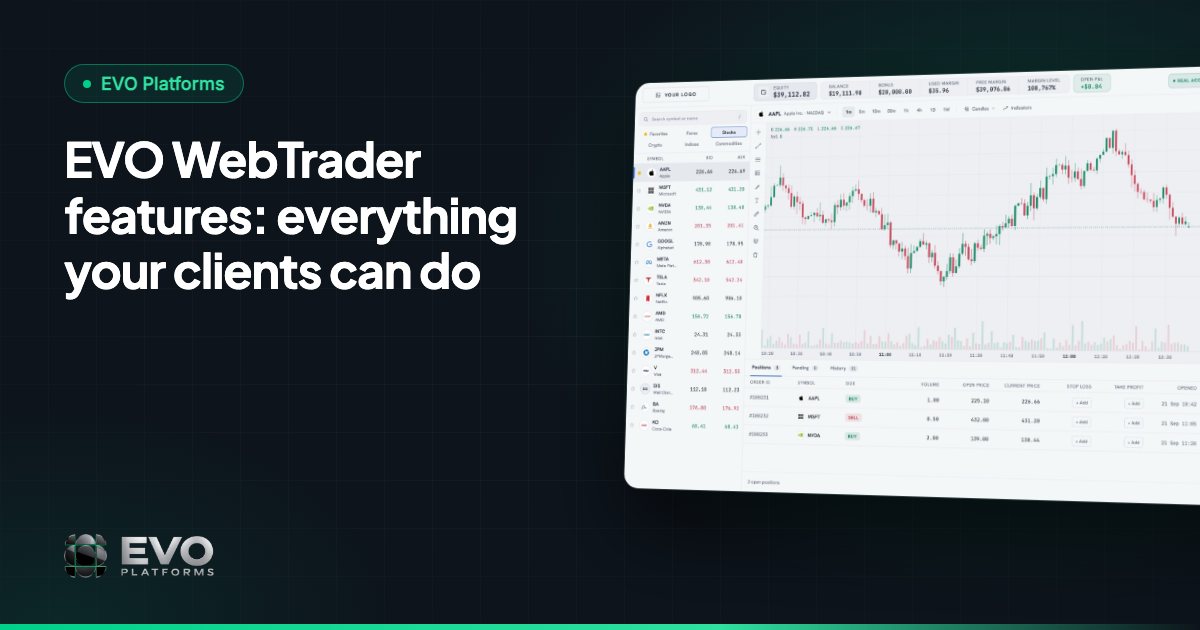
EVO WebTrader is the EVO trading platform, used in the browser on desktop and mobile. Clients get a watchlist by market, professional charts with indicators and timeframes, a simple order box with Take Profit and Stop Loss, and a live bar showing balance, equity, margin, free margin and P&L. The client area covers profile, KYC, deposits, withdrawals and history. See EVO WebTrader features, or take the screen-by-screen tour.
It runs fully in your brand, in dark and light themes, in English, Arabic with full right-to-left support, and German. Clients never see the EVO name.
Because the platform is one system with EVO CRM and the back office, there is no second login and nothing to link. Your team controls spreads per symbol, symbol limits and leverage per client from the same place, and margin call and stop-out are handled automatically.
How to decide
Start with your clients, not the software. If you are launching a brand for retail traders who arrive from ads and social media on a phone, a browser platform removes friction exactly where it counts. If your clients rely on a particular installed terminal, that demand is real and should shape your choice.
Then look at the whole system: platform, CRM, back office, price feed and support. Our checklist for new brokers covers each of them. With EVO, all of it is live in less than 24 hours on one flat monthly fee, with no setup fee and no revenue share. EVO plans start from $2,500 per month; see pricing or contact us to try the platform on your brand. Support is 24/7 on Telegram at @evoplatforms.
Frequently asked questions
What is a web trading platform?
A web trading platform is trading software that runs in a browser. Clients open a link, log in and trade with nothing to install, on a computer or a phone.
Is a web trading platform better than a desktop platform?
It depends on your clients. A browser platform is usually better for a broad retail audience because it is quicker to start and works on any device. Installed platforms can suit experienced traders who rely on deep customisation or add-ons.
Are browser trading platforms fast enough for live trading?
A modern one is. Speed depends on how prices reach the screen and on the server behind it. EVO WebTrader receives quotes over WebSocket in real time, with no delays, and each broker runs on a dedicated VPS.
Do clients need to install anything to use EVO WebTrader?
No. EVO WebTrader is browser-based on desktop and mobile. Clients open your trading domain and log in on your branded page, with the same account on every device.
This article is for general information only and is not legal, tax or financial advice.
Ready to launch your brokerage?
Trading platform, CRM, back office and price feed — white-label and live in less than 24 hours.