EVO CRM for forex brokers: leads, desks and deposits in one place
How EVO CRM brings leads, sales and retention desks, client accounts and deposits into one place for forex brokers, with the back office and risk controls in the same system.
 EVO PlatformsEVO Platforms7 min read
Brokerages rarely lose clients to one big failure. They lose them in small gaps: a website sign-up nobody called, a lead passed between two agents with no notes, a deposit waiting in someone's inbox, a withdrawal that finance never saw. Each gap sits between two tools never built to work together.
EVO CRM was built to close those gaps. It is the forex CRM inside EVO Platforms, connected to the EVO WebTrader trading platform, the back office and the price feed. This article walks through how EVO CRM handles the three things every brokerage lives on: leads, desks and deposits.
Key takeaways
- EVO CRM is the forex CRM built into EVO Platforms, in one system with EVO WebTrader, the back office and the price feed.
- Website sign-ups land in the CRM automatically, with statuses, sources, comments, owners and an activity log per lead.
- Separate sales and retention desks, with admin, team leader, sales agent and retention agent roles.
- Client accounts are linked to trading accounts, and every deposit and withdrawal by any payment method goes through an approval flow.
- Isolated VPS per broker, IP whitelist and security logs; live in less than 24 hours, with plans from $2,500 per month.
Why leads, desks and deposits belong in one place
A typical brokerage stack grows by accident: a CRM from one vendor, a trading platform from another, a spreadsheet for payments and a chat group for approvals. Information never flows cleanly between them, and clients notice the delays.
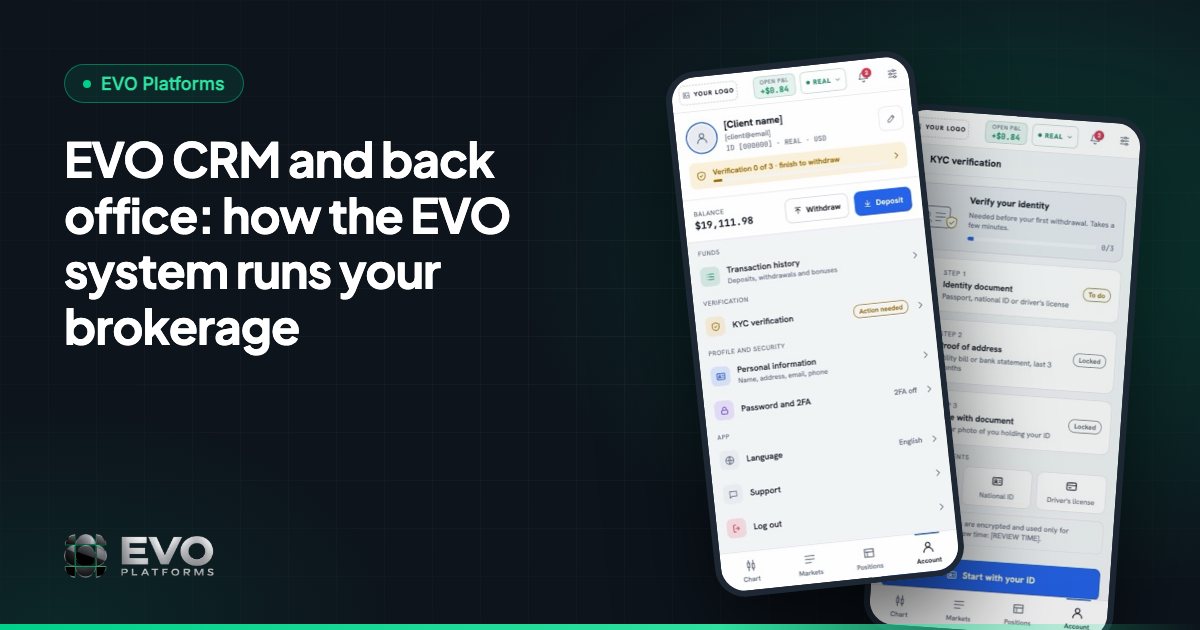
EVO CRM takes the opposite approach. The lead, the client, the trading account and the transaction are the same record seen from different angles. When a lead registers on your website, it appears in the CRM. When it becomes a client, the client is linked to their trading accounts. When that client deposits, the request arrives in the same system with an approval step. There is no second login and no data to copy across.
Leads: from website sign-up to an owner
Every registration on your broker website lands in EVO CRM automatically, with its source attached. From there your team works each lead with the tools a sales desk actually uses every day:
- Statuses so everyone knows where a lead stands, from first contact to follow-up.
- Sources so you can see which campaigns and pages bring the best leads.
- Comments so the context of every call stays with the lead, not in an agent's head.
- Owner assignment so each lead has one person responsible for it.
- An activity log per lead that tracks every action taken on it.
EVO CRM is built to handle 20,000+ leads, so the desk stays fast as your marketing grows. Reports show how your desks and leads are performing, so managers can see where conversion is strong and where it stalls.
Some features are on the way. Follow-up reminders by lead status and Google login with OTP / 2FA for your team are coming soon. Phone checks and VoIP, to verify that numbers are real, active and on WhatsApp and to call from the CRM, are available as custom development.
Sales and retention desks, with the right access for every role
A brokerage has two very different jobs: turning new leads into funded clients, and keeping funded clients active. EVO CRM gives each its own desk. The sales desk works new clients, and the retention desk works funded clients.
Access follows the role, so each person sees the leads and clients they work on:
| Role | What they do in EVO CRM |
|---|---|
| Admin | Full control of the system, users, roles and permissions |
| Team leader | Oversees a desk, its agents and its leads |
| Sales agent | Works new leads assigned to them on the sales desk |
| Retention agent | Works funded clients on the retention desk |
With roles and permissions, you decide who on your team can see and change what. New team members are invited by email with a role and can start on day one.
Deposits and withdrawals with an approval flow
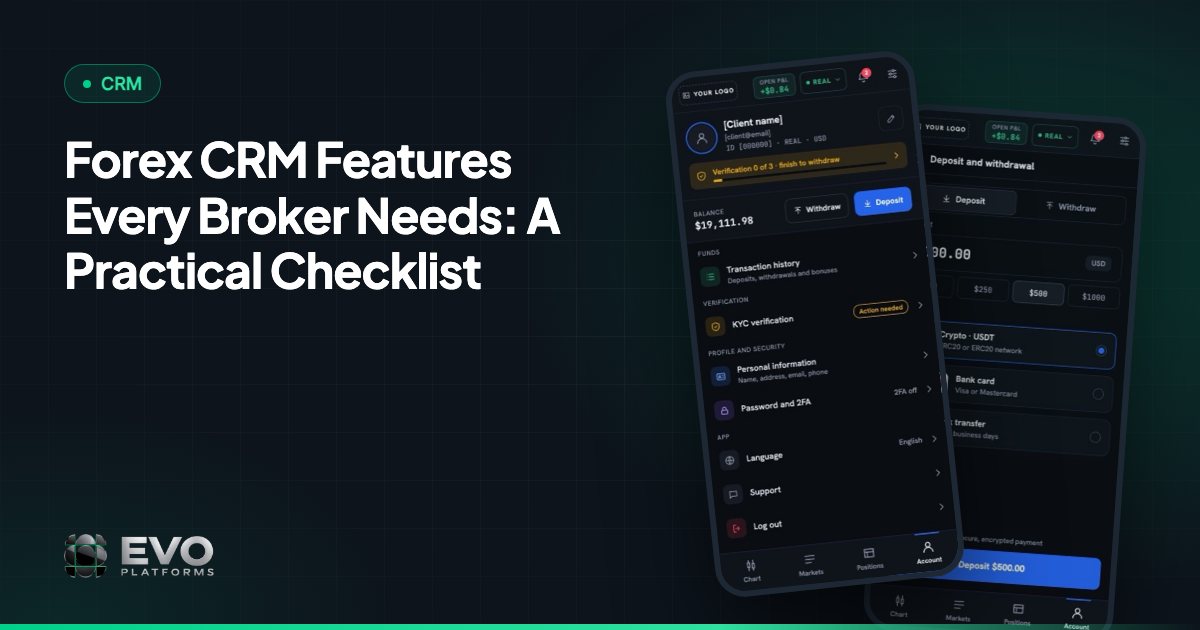
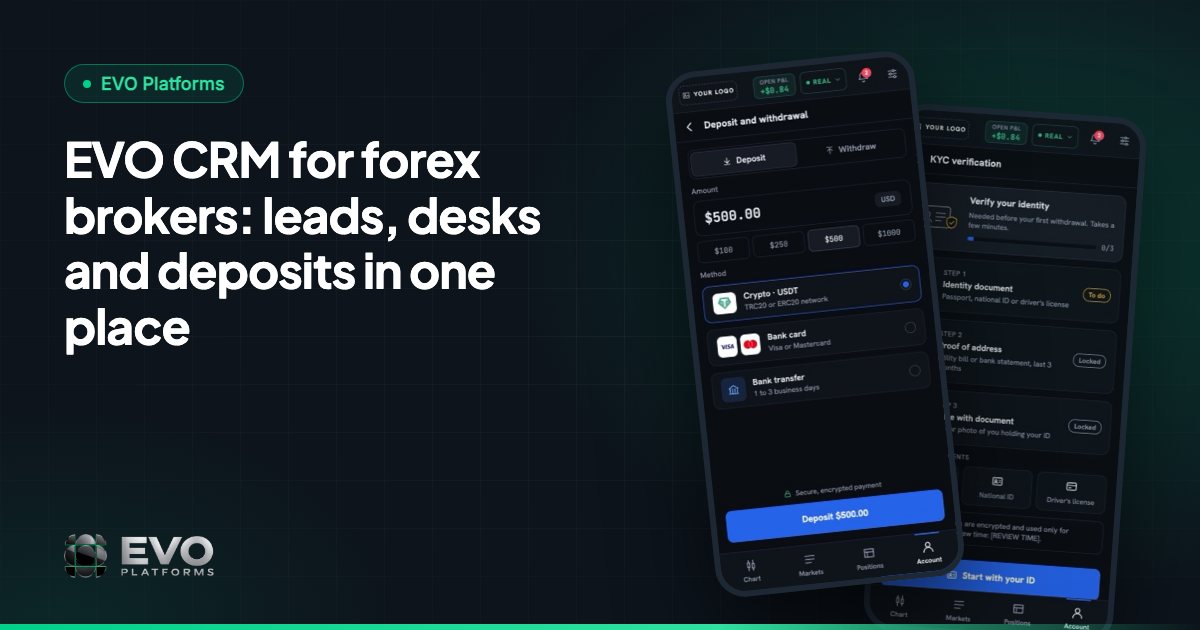
Money movement is where trust is won or lost. In EVO CRM, every client account is linked to its trading accounts, and every deposit and withdrawal goes through an approval flow, so finance signs off on each transaction before it is completed.
You can accept deposits by any payment method: USDT and other crypto, cards, bank transfer or local payment methods. Any method can be connected, and all of them feed into the same approval flow. Clients request deposits and withdrawals from the client area in EVO WebTrader, and your team reviews each one as approved, waiting or rejected.
If an account needs to be paused, the back office lets you suspend it, so the client can still log in and see the account but cannot trade, deposit or withdraw.
Back office and risk, inside the same CRM
EVO CRM is not only a sales tool. The back office is part of it, which means the people who manage risk work in the same system as the people who manage clients. EVO runs execution in-house with built-in risk management:
- Spread control on every symbol.
- Limits per symbol: volume and trading limits for each instrument.
- Leverage per client.
- Margin call and stop out at your levels, handled automatically.
- Take profit and stop loss on every order, with full control over client positions.
- Suspended accounts (no trading, deposits or withdrawals) and disabled accounts (no login at all).
Risk groups and a dealing room for your dealers are coming soon. For a deeper look at the risk side, see our EVO CRM and back office guide.
Security: isolated server, IP whitelist and security logs
Your leads and clients are your most valuable data, and EVO protects them on three levels. Every broker runs on its own isolated server, a dedicated VPS, so your data never touches another broker's. You can whitelist the IP addresses allowed into the CRM and back office. And the security logs record every click and action by CRM users and clients: who did what, when and from which IP.
A day on an EVO CRM desk
Here is how the pieces fit together in a normal working day:
- 1A visitor signs up on your website. The lead appears in EVO CRM with its source and is assigned to a sales agent.
- 2The agent calls, sets a status and leaves a comment. Every step is recorded in the lead's activity log.
- 3The client verifies their details in the client area and requests a USDT deposit.
- 4Finance sees the deposit waiting for approval, reviews it and approves it. The linked trading account is funded.
- 5The client trades on EVO WebTrader. Spreads, limits and leverage follow the settings in your back office.
- 6The client moves to the retention desk, and the team leader checks the reports at the end of the day.
Getting started with EVO CRM
EVO CRM comes with every EVO plan, together with the branded EVO WebTrader, the back office, a price feed with 250+ symbols, a dedicated VPS and 24/7 support. It is fully white-label, so your team and your clients see your brand, not EVO. The CRM works in English and Arabic with full right-to-left support, and the platform also runs in German.
You can be live in less than 24 hours: you pay, we deploy, and your desk can start working leads the next day. EVO plans start from $2,500 per month. See pricing for what is included, or read our white label forex CRM buying guide to compare your options.
Need a feature that fits how your desk works? We build custom features on top of the CRM. Message us 24/7 on Telegram at @evoplatforms or contact us to see EVO CRM in action.
Frequently asked questions
What is EVO CRM?
EVO CRM (also written EVO-CRM) is the CRM for forex and CFD brokers built into EVO Platforms. It manages leads, sales and retention desks, client accounts linked to trading accounts, and deposits and withdrawals with an approval flow.
Is EVO CRM connected to the EVO trading platform?
Yes. EVO CRM, the back office and EVO WebTrader are one system, with no second login. Clients, trading accounts, symbols, spreads, leverage and users are all managed inside EVO CRM.
Which payment methods can EVO CRM handle?
Any payment method: USDT and other crypto, cards, bank transfer or local methods. Any method can be connected, and every deposit and withdrawal goes through an approval flow in the CRM.
Does EVO CRM support Arabic?
Yes. EVO CRM works in English and Arabic with full right-to-left support, and the EVO platform also runs in German.
How quickly can my team start using EVO CRM?
In less than 24 hours. Once you subscribe, we deploy EVO CRM with the trading platform, back office and price feed on your own dedicated VPS, and your desk can start working leads the next day.
This article is for general information only and is not legal, tax or financial advice.
Ready to launch your brokerage?
Trading platform, CRM, back office and price feed — white-label and live in less than 24 hours.