EVO WebTrader features: everything your clients can do
Every EVO WebTrader feature your clients use, from the watchlist and charts to orders, positions, the client area, deposits and alerts, plus what you control behind the screen.
 EVO PlatformsEVO Platforms7 min read
When a broker evaluates a trading platform, the real question is simple: what can my clients actually do on it, and how easily? This guide answers that for EVO WebTrader, the EVO trading platform your clients use in the browser on desktop and mobile.
We go feature by feature, from the first login to the first deposit and the first closed trade, and finish with the controls your team has behind the screen. Everything listed here is available today, and the few items that are still on the way are clearly marked.
Key takeaways
- EVO WebTrader is a browser-based trading platform for desktop and mobile, fully in your brand, in dark and light themes.
- Clients get a watchlist by category, professional charts, a simple order box with TP and SL, positions, pending orders and history.
- A live account bar shows balance, equity, margin, free margin and P&L, with margin call and stop out handled automatically.
- The client area covers profile, security, KYC, deposits, withdrawals and transactions, with any payment method and an approval flow in EVO CRM.
- Every client feature is backed by back-office controls: spreads per symbol, symbol limits, leverage per client and account status.
What is EVO WebTrader?
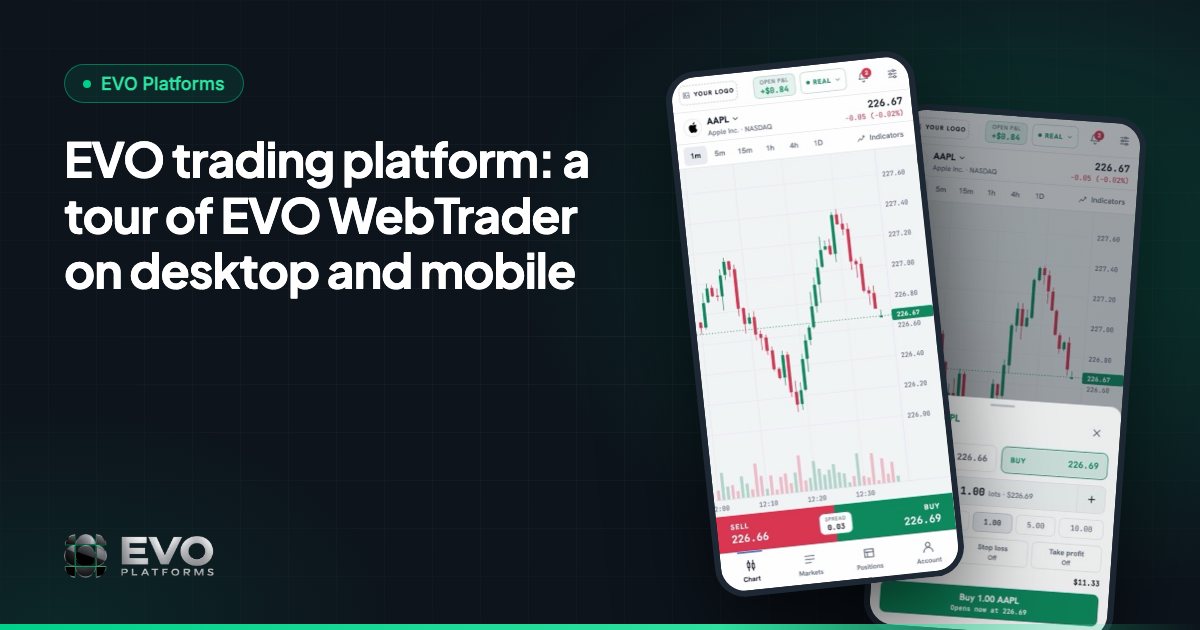
EVO WebTrader is the trading platform inside EVO Platforms. It runs in the browser, so your clients do not need to download or install anything. They open your domain, log in and trade, on a laptop, a desktop or a phone.
It is built to be simple for any trader and professional for your brand. A new client understands the screen in minutes, while an experienced trader still finds the charts, order types and account details they expect. The whole platform carries your logo, colours and domain; clients never see “EVO”.
Here is a quick summary of what clients get:
| Feature | What clients can do |
|---|---|
| Watchlist by category | Browse Forex, Metals, Indices, Crypto, Commodities and Stocks in separate tabs |
| Professional charts | Analyse with a TradingView-style toolbar, indicators and timeframes |
| Order box | Buy or Sell at market or at a set price, with Take Profit and Stop Loss |
| Positions & history | Follow open positions, pending orders and trade history |
| Live account bar | See balance, equity, margin, free margin and P&L at all times |
| Client area | Manage profile, security, KYC documents, deposits, withdrawals and transactions |
| Notifications | Get alerts and toasts for orders and account events |
Watchlist and professional charts
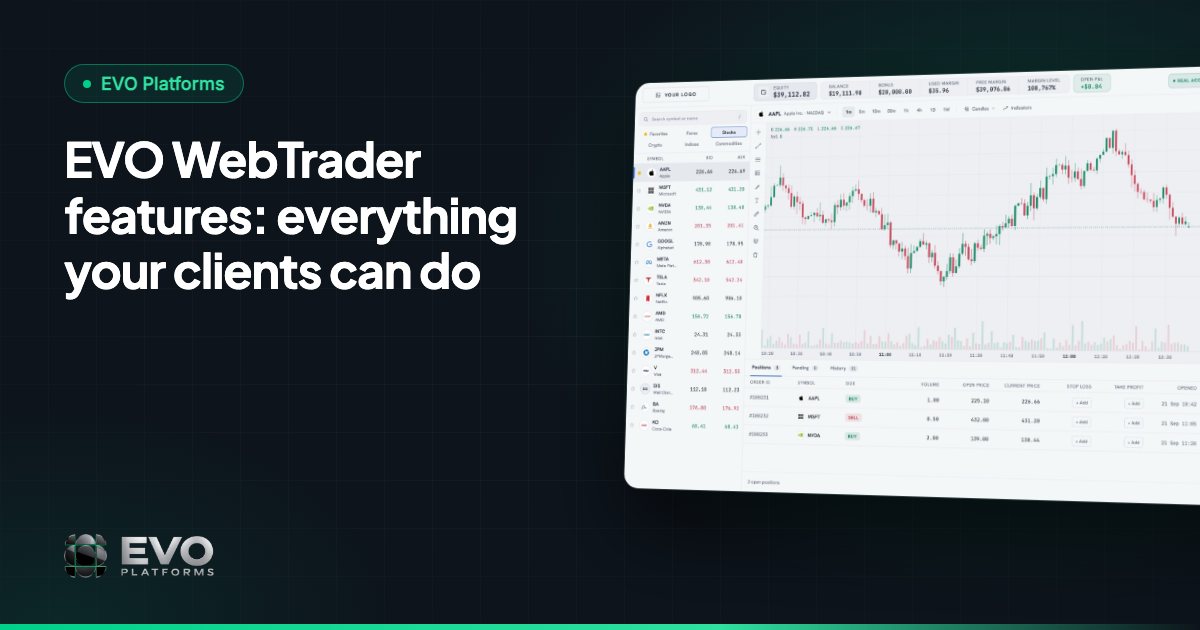
The watchlist is organised by category, with tabs for Forex, Metals, Indices, Crypto, Commodities and Stocks. Clients jump straight to the market they care about instead of scrolling through one long list. Prices come from the built-in price feed, which streams quotes over WebSocket in real time, with no delays.
The feed covers 250+ symbols today: 60+ Forex pairs, gold, silver, platinum and palladium, major indices such as US30, NAS100 and GER40, crypto such as BTC, ETH, XRP and SOL, oil and natural gas, and stocks like Apple, Microsoft, NVIDIA and Tesla. Any symbol can be added on request, and digital currency prices stream 24/7, weekends included.
Next to the watchlist sit professional charts with a TradingView-style toolbar, indicators and timeframes. Clients can read the market, switch timeframes and add indicators without leaving the trading screen.
The order box: Buy, Sell, Take Profit and Stop Loss
Placing a trade in EVO WebTrader takes a few seconds. The simple order box shows Sell and Buy, the volume, and fields for Take Profit and Stop Loss.
- Open at market for an instant trade at the current price.
- Open at a set price to place a pending order that waits for the level the client chooses.
- Take Profit and Stop Loss on every order, so clients can define their exit before they enter.
- Clear confirmation through a notification as soon as the order is filled.
Positions, pending orders and history
Below the chart, clients find three clear tables: open positions, pending orders and history. Each open position shows the symbol, the direction and the volume, with its running result, so the client always knows where they stand.
Pending orders stay visible until they are triggered or cancelled, and the history table keeps a full record of closed trades. For a trader, this is the difference between guessing and knowing; for your support team, it means fewer “where is my trade?” questions.
Balance, equity and margin, always in view
A live account bar shows balance, equity, margin, free margin and P&L on every screen. As prices move, the numbers move with them.
Margin call and stop out are handled automatically at the levels you set. When an account gets close to its limit, the client receives a margin call notification, and if the margin level keeps falling, the stop out runs without any manual work from your team.
The client area: profile, KYC, deposits and withdrawals
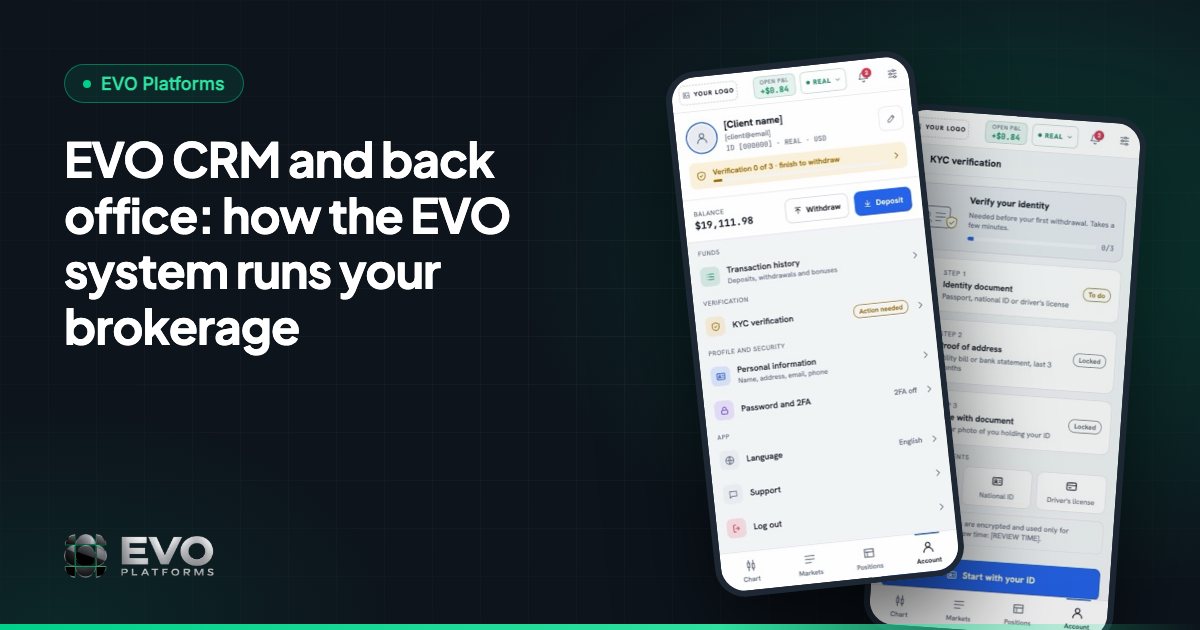
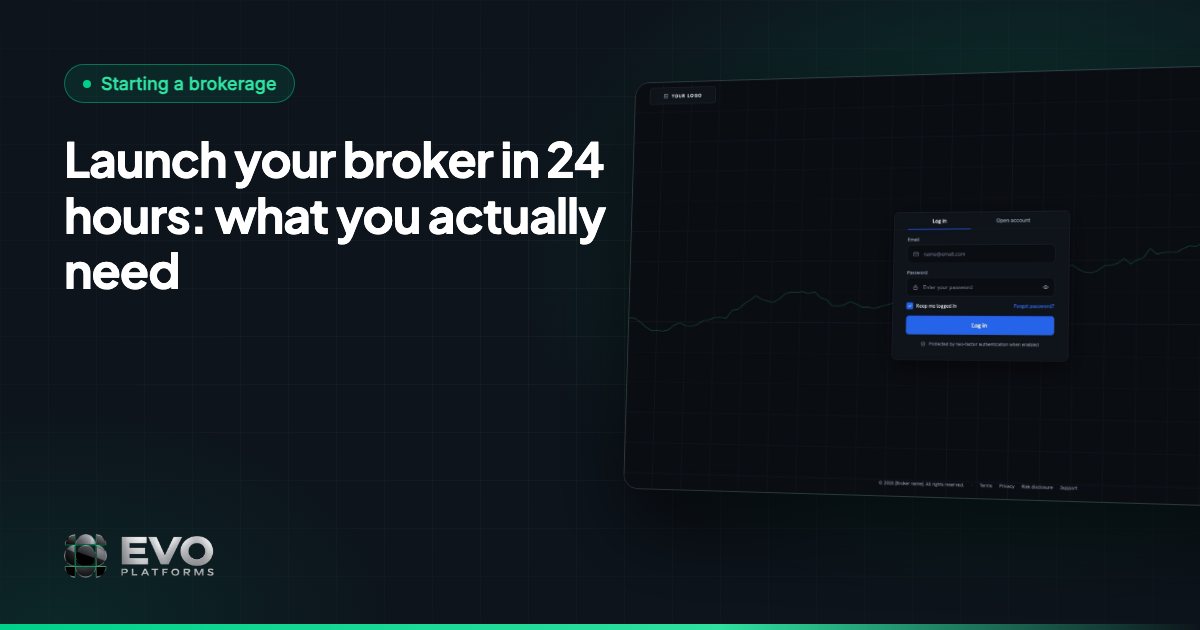
EVO WebTrader includes a client area in your brand, with login and sign-up pages that carry your logo and colours. From the account menu, clients can open:
- Profile: their personal details.
- Security: their login and account protection settings.
- KYC documents: upload verification documents and see when they are verified.
- Deposit and Withdraw: fund the account or request a withdrawal.
- Transactions: a full history of deposits and withdrawals with their status.
Clients can fund their accounts with any payment method: USDT and other crypto, cards, bank transfer or local methods. Any method can be connected. Every deposit and withdrawal arrives in EVO CRM with an approval flow, so your finance team reviews each transaction before it is approved.
Notifications and alerts
EVO WebTrader keeps clients informed with alerts and toasts for orders and account events: an order filled, a deposit approved, a margin call or a stop out. Clients see what happened the moment it happens, instead of discovering it later in their history.
Your brand, dark and light themes, three languages
- Fully white-label: your logo, colours and domain across the trading screen, login, sign-up and client area.
- Dark and light themes, so clients trade in the look they prefer.
- Desktop and mobile browser: the full platform, including charts, orders, positions, deposits and KYC, works on a phone.
- English, Arabic with full right-to-left support, and German, with other languages added when you need them.
For a screen-by-screen walkthrough, read our tour of EVO WebTrader on desktop and mobile.
What you control behind the screen
Every client feature is backed by a control in the back office, which is part of EVO CRM with no second login. EVO runs in-house execution with built-in risk management, and your team decides how trading works:
- Spreads per symbol, set and adjusted at any time.
- Symbol limits: minimum and maximum lot size and maximum exposure.
- Leverage per client.
- Margin call and stop out levels, applied automatically.
- TP / SL with full control over client positions.
- Suspended accounts (the client can log in but cannot trade, deposit or withdraw) and disabled accounts (the client cannot log in).
Getting EVO WebTrader for your brokerage
EVO WebTrader comes with EVO CRM, the back office, the price feed and 24/7 Telegram support in one subscription. EVO plans start from $2,500 per month, and you can be live in less than 24 hours. See pricing for what is included, or contact us to see the platform in your brand.
Frequently asked questions
What is EVO WebTrader?
EVO WebTrader is the EVO trading platform: a browser-based platform for desktop and mobile with a watchlist, professional charts, a simple order box with Take Profit and Stop Loss, positions, pending orders, history and a client area, all in the broker’s brand.
Do clients need to download an app?
No. EVO WebTrader runs in the browser on desktop and mobile, so clients open your domain, log in and trade without installing anything.
Which markets can clients trade on EVO WebTrader?
Forex, metals, indices, crypto, commodities and stocks: 250+ symbols in real time today, with any symbol added on request.
How do clients deposit and withdraw?
From the client area, using any payment method you connect, such as USDT and other crypto, cards, bank transfer or local methods. Every transaction goes through an approval flow in EVO CRM.
Which languages does EVO WebTrader support?
English, Arabic with full right-to-left support, and German, with other languages added when you need them.
This article is for general information only and is not legal, tax or financial advice.
Ready to launch your brokerage?
Trading platform, CRM, back office and price feed — white-label and live in less than 24 hours.