Best trading platform for new brokers in 2026: a practical checklist
A practical checklist for new brokers choosing a trading platform in 2026: what to look for in the platform, CRM, back office, price feed, payments, branding, security, support and pricing, and the questions to ask every provider.
 EVO PlatformsTrading platforms7 min read
If you are launching your first brand, the trading platform is the most important technology decision you will make. It is what your clients see every day, what your sales team sells and what your operations team runs.
There is no single “best” platform for every broker, but there is a clear set of things a trading platform for new brokers must get right. This checklist walks through them one by one, explains what to look for and shows how the EVO trading platform answers each point, so you can compare providers on facts rather than promises.
Key takeaways
- The best trading platform for a new broker is a complete system: platform, CRM, back office, price feed and payments working together.
- Check for real risk controls: spreads per symbol, symbol limits, leverage per client, margin call and stop out, TP/SL and account status.
- Branding, Arabic RTL support, a dedicated server and 24/7 support are essentials, not extras.
- Compare providers with the same table and ask to see each point live.
- EVO plans start from $2,500 per month, and you can be live in less than 24 hours.
A new broker needs more than a trading screen
When people search for the best trading platform for brokers, they usually picture the trading screen: charts, a watchlist and an order box. That screen matters, but a brokerage runs on much more. On day one you also need a way to capture leads, manage clients, take deposits, control trading conditions and get prices into the platform.
Many brokers combine several vendors to cover this: a platform from one, a CRM from another, a price feed from a third and a website built separately. Connecting them takes time, and every connection can break.
The checklist at a glance
Use these ten points to compare any provider.
- 1A trading platform that is simple for clients and works on desktop and mobile.
- 2A CRM connected to the platform, not bolted on.
- 3Back office and risk controls built in.
- 4A real-time price feed with the markets you plan to offer.
- 5Flexible payments with an approval flow.
- 6Full white-label branding and the languages your clients speak.
- 7An isolated server and real security controls.
- 8A realistic launch time.
- 9Support that answers quickly, around the clock.
- 10Clear, predictable pricing and room to grow.
1–2. The trading platform and the CRM
Is the platform simple and professional?
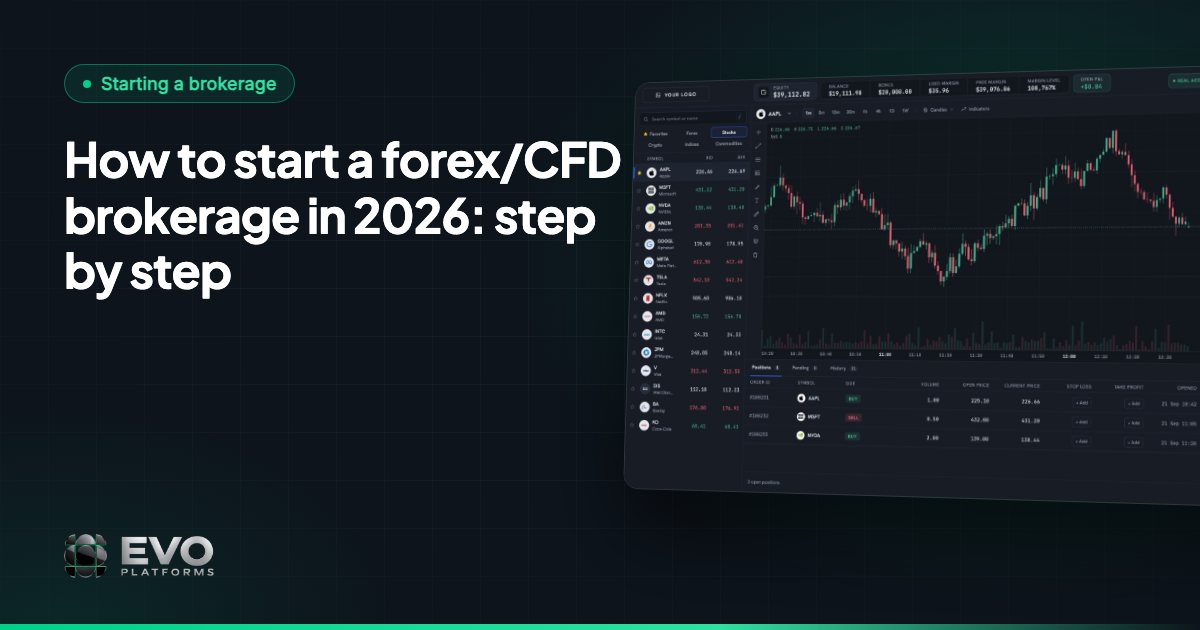
New brokers often attract traders who are early in their journey. The platform should be easy to understand at first sight while still looking professional to experienced traders. Check for a watchlist grouped by market, clear charts with indicators and timeframes, an order box with Take Profit and Stop Loss, and easy access to positions, pending orders and history.
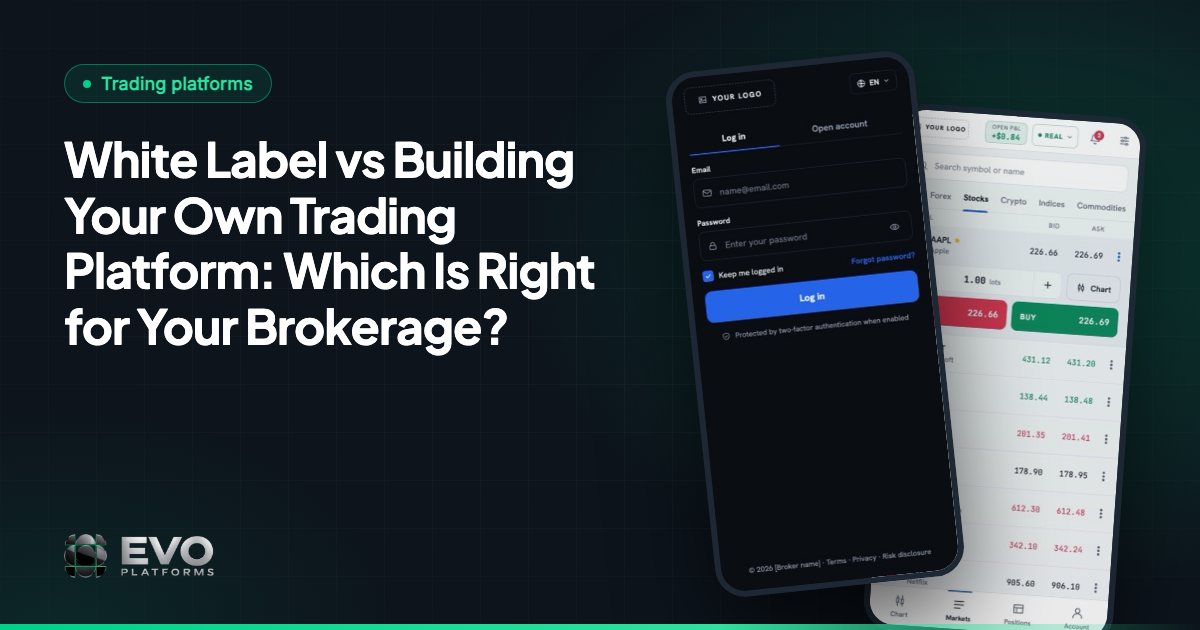
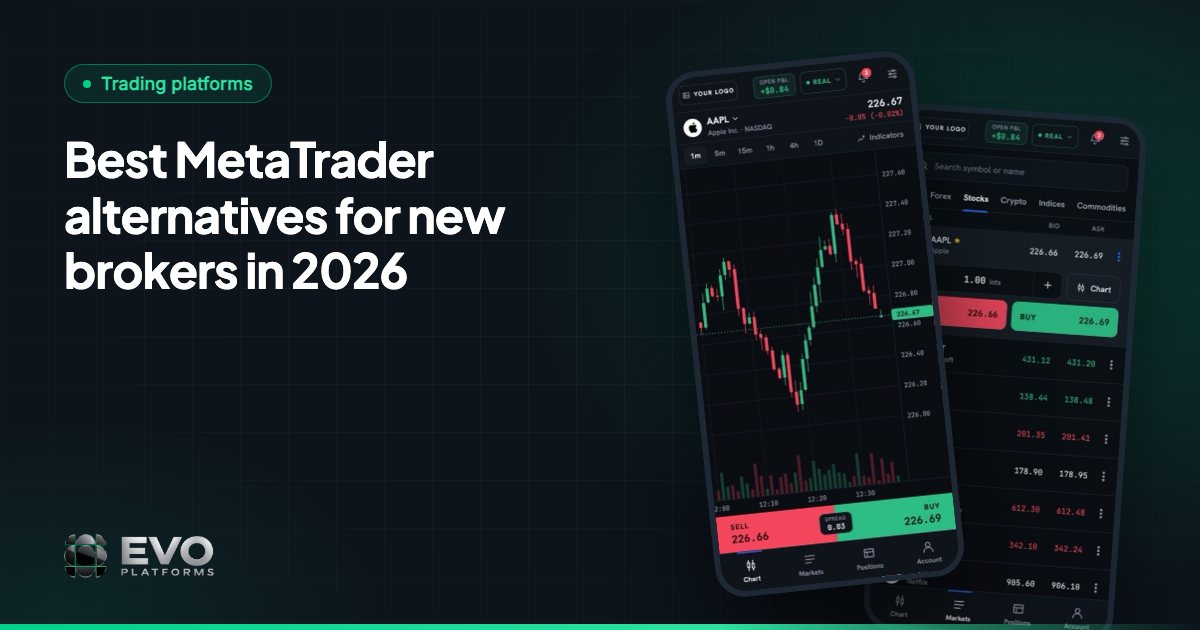
EVO WebTrader is browser-based on desktop and mobile, in dark and light themes, with a client area for profile, security, KYC documents, deposits, withdrawals and transaction history.
Is the CRM part of the same system?
Your sales desk lives in the CRM. Ask whether leads from your website arrive automatically, whether each client is linked to their trading accounts, and whether roles such as admin, team leader, sales and retention can be set up. In EVO CRM, leads get statuses, sources, comments and an owner, with separate sales and retention desks, reports and an activity log per lead.
3. Back office and risk management
A new broker needs real control over trading conditions from the start. Look for these controls in the back office:
- Spreads per symbol, adjustable at any time.
- Symbol limits: volume and trading limits for each instrument.
- Leverage per client.
- Margin call and stop out, handled automatically at your levels.
- Take Profit and Stop Loss on every order, with control over client positions.
- Suspended accounts (the client can log in but cannot trade, deposit or withdraw) and disabled accounts (the client cannot log in).
On EVO, these run as in-house execution with built-in risk management, inside the same system as the CRM, with no second login. Risk groups and a dealing room are coming soon. To understand what a dealing room does, see what is a dealing room.
4–5. Price feed and payments
Does the feed cover your markets in real time?
Ask how many symbols are included, which markets are covered and how fast prices reach the platform. The EVO price feed streams 250+ symbols over WebSocket in real time with no delays, across Forex, metals, indices, crypto, commodities and stocks, with 24/7 digital currency feeds and any symbol added on request. Read more on why your own price feed matters.
Can clients pay the way they want?
Payment options decide how many sign-ups become funded clients. With EVO you can accept any payment method: USDT and other crypto, cards, bank transfer or local methods, and any method can be connected. Every deposit and withdrawal goes through an approval flow in the CRM, so finance reviews each transaction.
6–7. Branding, languages and security
Your clients should see your brand, not your provider’s. Check that the logo, colours and domain appear on the trading platform, the login and sign-up pages, the client area and the website. EVO is fully white-label: clients never see “EVO”.
Languages matter just as much. EVO supports English, Arabic with full right-to-left layout and German, and adds any other language you need.
For security, ask where your data lives. On EVO, every broker runs on a dedicated, isolated VPS. You can whitelist the IP addresses allowed into the CRM and back office, and security logs record every action by CRM users and clients.
8–10. Launch time, support and pricing
How fast can you go live?
With EVO you pay, we deploy, and you are live in less than 24 hours. The full process is in how to launch a broker in 24 hours.
Who answers when something goes wrong?
EVO support is 24/7 and Telegram-first at @evoplatforms, with every broker’s platform monitored around the clock.
Is the price clear, and can the platform grow with you?
Look for one fee that covers the whole system. EVO plans start from $2,500 per month, as one flat monthly fee for the platform, CRM, back office, price feed and support; see pricing. When you need something new, custom features and integrations can be built on top of EVO.
How to compare providers fairly
Use a simple table during demos and fill it in for every provider you speak to:
| Question | Why it matters | EVO answer |
|---|---|---|
| Platform, CRM and back office in one system? | Fewer integrations, one login | Yes, one connected system |
| Works on desktop and mobile? | Most clients trade from phones | Yes, in the browser |
| Real-time feed included? | Live prices from day one | 250+ symbols, any symbol on request |
| Payment methods? | More funded clients | Any method, with an approval flow |
| Your brand everywhere? | Clients trust your name | Fully white-label |
| Arabic RTL? | Essential for Arabic-speaking markets | Yes, full RTL |
| Own server? | Your data stays separate | Dedicated, isolated VPS |
| Launch time? | Faster revenue | Less than 24 hours |
MetaTrader is the best-known name in retail trading, and many brokers consider it first. It is a capable terminal, but a CRM, website and back-office workflow are usually sourced separately around it, so compare the full setup, not just the trading screen. See our guide to MetaTrader alternatives.
The next step
Write your own list of must-haves, then ask every provider to show each point live rather than on a slide. If EVO fits your list, our new brokerage solution explains what you get on day one, or you can contact us and see the system for yourself.
Frequently asked questions
What is the best trading platform for new brokers?
The best choice is a platform that covers the whole brokerage: a simple trading platform on desktop and mobile, a connected CRM, built-in back office and risk controls, a real-time price feed, flexible payments and full branding. EVO Platforms delivers all of these as one system.
Do I need a separate CRM for my trading platform?
Not with EVO. EVO CRM, the back office and EVO WebTrader are one system, so leads, clients, trading accounts and deposits are connected from day one.
How long does it take a new broker to launch on EVO?
Less than 24 hours. You pay, we deploy the platform, CRM, back office and price feed on your dedicated server, and you are live.
Which payment methods can a new broker offer on EVO?
Any method: USDT and other crypto, cards, bank transfer or local methods. Any method can be connected, and every deposit and withdrawal goes through an approval flow in the CRM.
How much does EVO cost?
EVO plans start from $2,500 per month, as one flat monthly fee. See the pricing page or contact us for the right setup for your brokerage.
This article is for general information only and is not legal, tax or financial advice.
Ready to launch your brokerage?
Trading platform, CRM, back office and price feed — white-label and live in less than 24 hours.