EVO mobile trading: your brokerage on every phone
Your clients trade on their phones. Here is how EVO WebTrader gives them the complete EVO trading platform in a mobile browser — markets, charts, orders, positions, deposits and KYC — all under your brand.
 EVO PlatformsEVO Platforms7 min read
Most of your clients will check prices, open trades and fund their accounts from a phone. For a broker, that means the mobile experience is not an extra: it is the main way many clients meet your brand. EVO mobile trading is built around that reality.
This guide explains how mobile trading works on EVO Platforms, what your clients can do on their phones, how it stays in your brand and what runs behind the screen. If you have searched for an EVO trading app, this is the answer: the full EVO WebTrader in the mobile browser.
Key takeaways
- EVO mobile trading is EVO WebTrader running in the mobile browser: the full platform, with nothing to install.
- Clients can browse markets, read charts, place orders with TP/SL, manage positions, deposit, withdraw and upload KYC from the phone.
- Everything is in your brand and domain, in dark and light themes, in English, Arabic (full RTL) and German.
- The same back office controls, real-time feed with 250+ symbols and dedicated VPS apply on mobile.
- EVO plans start from $2,500 per month, and you can be live in less than 24 hours.
Why mobile trading matters for your brokerage
Traders do not wait until they are at a desk. They react to a gold move on the way to work, close a position between meetings and top up their account in the evening. If the phone experience is slow, cluttered or hard to read, they leave, and they rarely come back.
For a broker, a good mobile trading platform affects three things directly:
- Activation: a new client who can sign up, verify and deposit from the phone is far more likely to place a first trade.
- Retention: clients who can manage positions quickly on the move stay active for longer.
- Trust: a clean, professional screen in your brand tells clients they are dealing with a serious company.
That is why EVO treats mobile as part of the core platform, not as a cut-down copy of the desktop version.
How EVO mobile trading works
EVO WebTrader is a browser-based trading platform for desktop and mobile. On a phone, your client opens your trading domain in the mobile browser, logs in on your branded login page and gets the full platform, sized for a small screen.
There is nothing to install. The same account, the same balance and the same open positions appear whether the client is on a laptop or a phone. A trade opened on desktop in the morning can be managed on mobile in the afternoon.
Because it is the same platform, everything you set in the back office applies on mobile as well: spreads, symbol limits, leverage, margin call and stop out, and account status.
What your clients can do on their phone
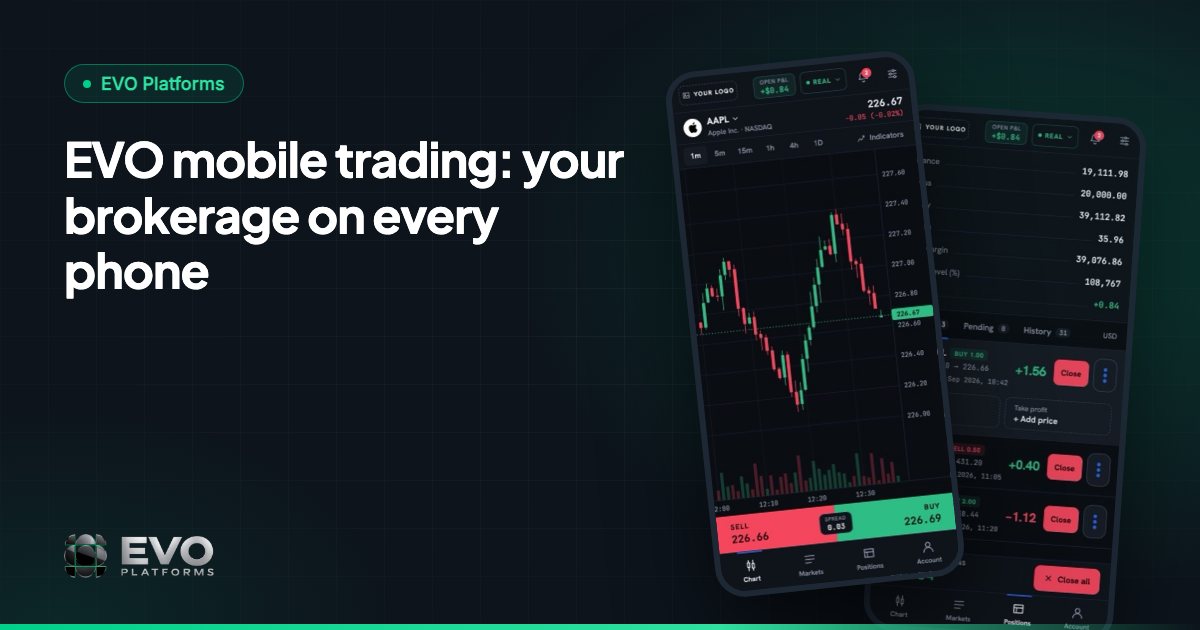
Every key screen of the EVO trading platform is available in the mobile browser:
| Screen | What the client does there |
|---|---|
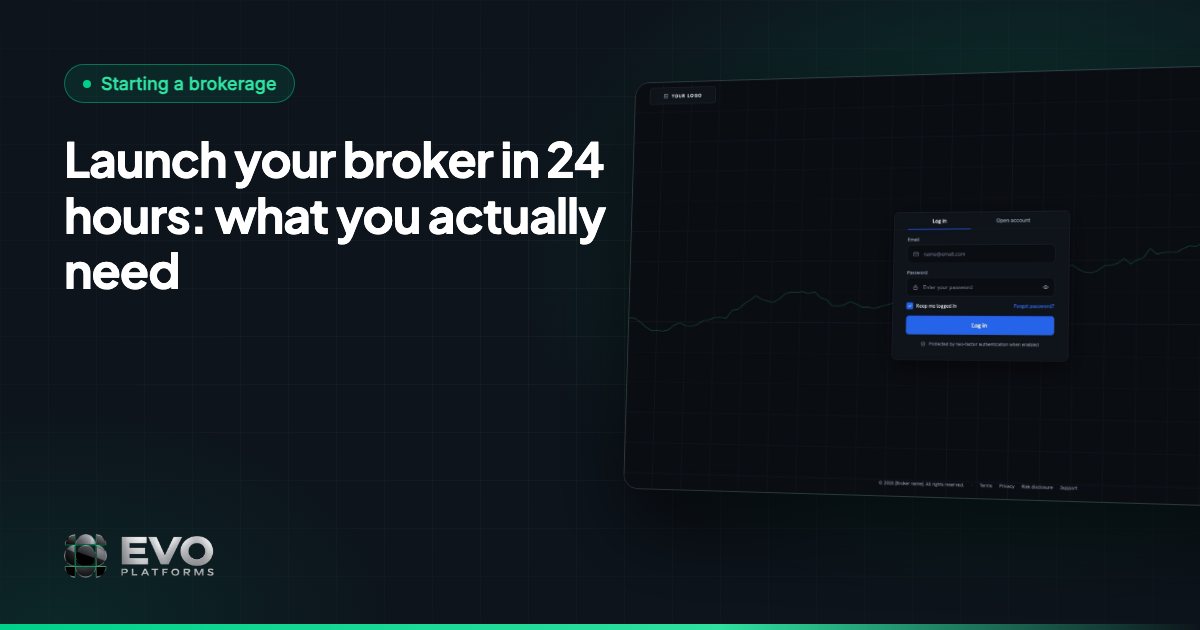
| Login | Signs in on a login page in your brand, with your logo and colours |
| Markets | Browses the watchlist by category: Forex, Metals, Indices, Crypto, Commodities and Stocks |
| Chart | Reads professional charts with indicators and timeframes |
| New order | Buys or sells at market or at a set price, with Take Profit and Stop Loss |
| Positions | Follows open positions, pending orders and history |
| Account | Sees balance, equity, margin, free margin and P&L, and manages profile and security |
| KYC | Uploads verification documents |
| Deposit | Funds the account and requests withdrawals, with full transaction history |
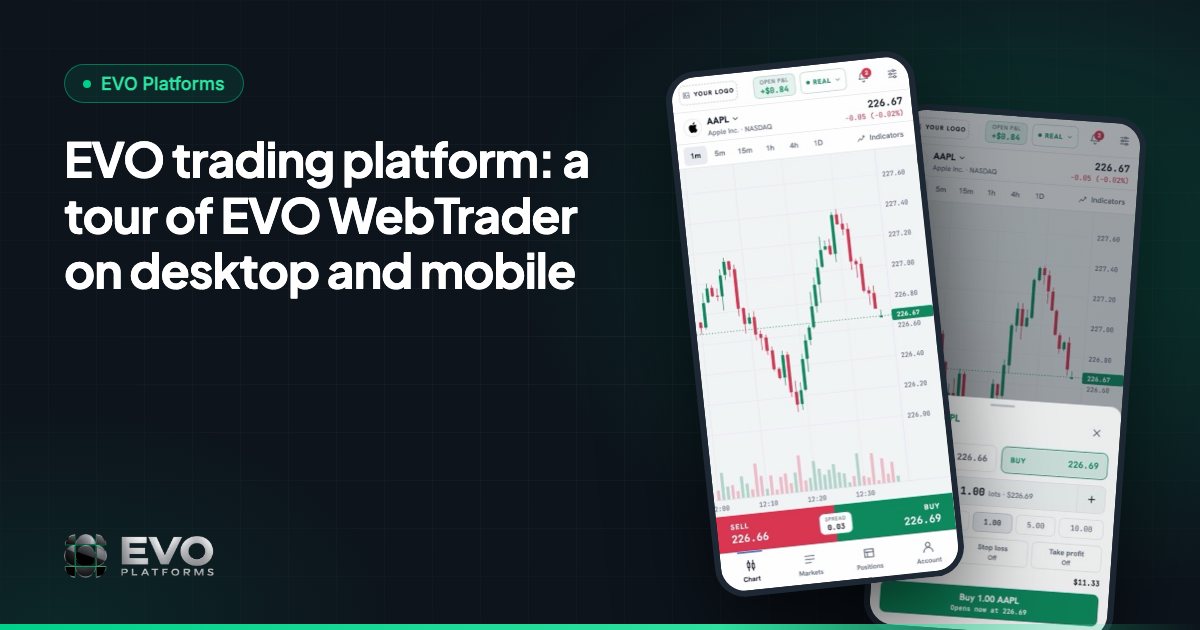
For a visual walkthrough of the same screens on desktop and mobile, see the EVO trading platform tour.
Trading on the small screen, without compromise
A watchlist that is easy to scan
Symbols are grouped into tabs, so a client looking for gold or NAS100 finds it in a tap instead of scrolling through a long list. Prices update live as the market moves.
Charts that stay readable
The charts use a TradingView-style toolbar with indicators and timeframes. Clients can switch timeframe or add an indicator with a thumb, then go straight to the order box.
A simple order box
Buy and Sell are clear and separate. The client chooses the volume, opens at market or at a set price, and adds Take Profit and Stop Loss before confirming. Simple for a beginner, fast for an experienced trader.
Positions, history and notifications
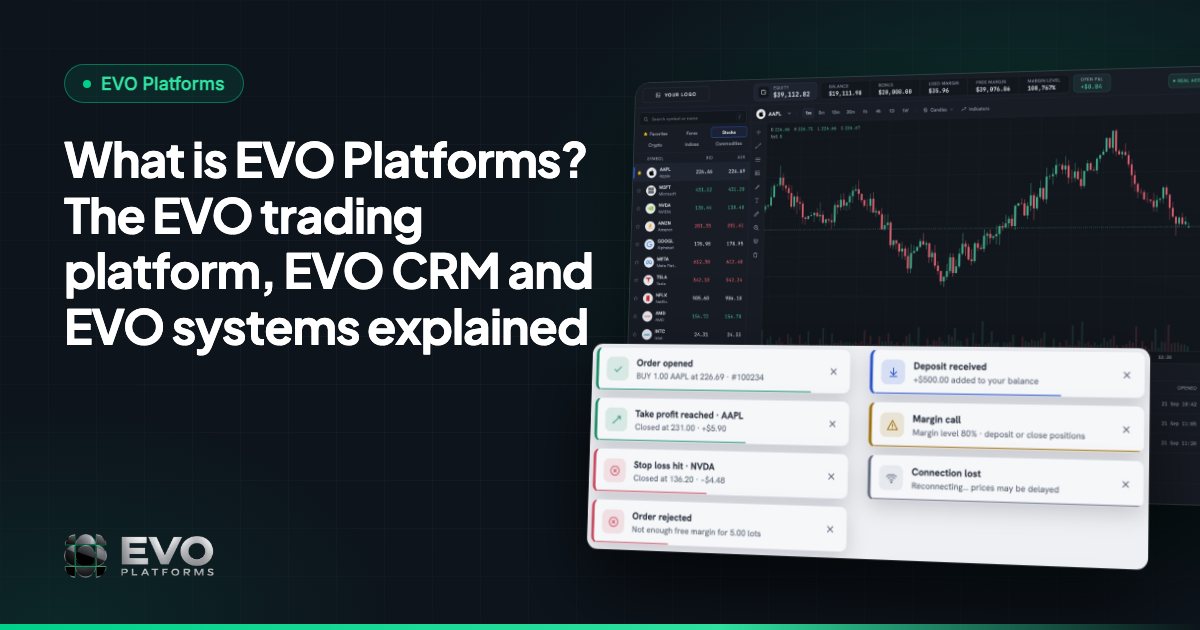
Open positions, pending orders and history are one tap away. Notifications and toasts confirm when an order is filled and alert the client to account events such as a margin call, so nothing important is missed while they are away from a desk.
Margin call and stop out are handled automatically by the platform, on mobile exactly as on desktop.
Deposits, withdrawals and KYC from the phone
A client area that works well on mobile is one of the biggest drivers of first deposits. In EVO WebTrader, clients can manage their profile and security, upload KYC documents, deposit, withdraw and view their transaction history without leaving the phone.
You choose how clients pay. EVO works with any payment method: USDT and other crypto, cards, bank transfer or local payment methods, and any method can be connected. Every deposit and withdrawal then goes through an approval flow in EVO CRM, so your finance team reviews each transaction before it is approved.
On your side, every new sign-up and every request lands in the CRM, linked to the client’s trading account, ready for your sales and retention desks.
Your brand on every phone
EVO is fully white-label. On mobile, your clients see:
- Your logo and colours on the login page, the trading screens and the client area.
- Your own domain in the browser bar.
- Dark and light themes, both in your colours.
- Their own language: English, Arabic with full right-to-left layout and German, with any other language added on request.
Full RTL matters on mobile. Arabic-speaking traders get a layout that reads naturally from right to left, not a translated interface with the wrong alignment.
What runs behind the mobile screen
A mobile platform is only as good as the system behind it. With EVO, the phone screen is connected to the same infrastructure as the rest of your brokerage:
- Real-time price feed: 250+ symbols streamed live over WebSocket with no delays, and any symbol added on request. See the price feed.
- 24/7 digital currency feeds, so crypto prices keep moving on weekends too.
- In-house execution with built-in risk management: spreads per symbol, symbol limits, leverage per client, margin call and stop out, TP/SL and suspended or disabled accounts, all controlled from the back office.
- A dedicated, isolated VPS for your brokerage, so your data never touches another broker’s.
- IP whitelist and security logs for the CRM and back office.
Risk groups and a dealing room are coming soon and will extend the same controls further.
Launching mobile trading with EVO
You do not need a separate mobile project. Mobile trading is part of EVO WebTrader from day one, together with EVO CRM, the back office, the price feed and your website.
- 1Choose your plan. EVO plans start from $2,500 per month. See pricing.
- 2Share your brand. Logo, colours, domain and languages.
- 3We deploy. Your platform goes up on its own server.
- 4You are live in less than 24 hours, on desktop and mobile.
For the full step-by-step, read how to launch a broker in 24 hours. Questions at any time go to our 24/7 Telegram support, @evoplatforms, or you can contact us.
Frequently asked questions
Is there an EVO trading app?
The EVO mobile experience is EVO WebTrader in the phone’s browser. Clients open your trading domain, log in on your branded page and get the full trading platform sized for mobile, with nothing to install.
What can clients do on mobile?
Everything they need: browse the watchlist by category, read charts with indicators, buy or sell with Take Profit and Stop Loss, follow positions, pending orders and history, deposit, withdraw and upload KYC documents.
Will my clients see the EVO name on their phones?
No. EVO is fully white-label. Your logo, colours and domain appear on every mobile screen, and clients never see “EVO”.
Does mobile support Arabic?
Yes. EVO WebTrader supports English, Arabic with full right-to-left layout and German, on desktop and mobile, and any other language can be added.
How quickly can my brokerage offer mobile trading?
Mobile is included in EVO WebTrader from day one. You pay, we deploy, and you are live on desktop and mobile in less than 24 hours.
This article is for general information only and is not legal, tax or financial advice.
Ready to launch your brokerage?
Trading platform, CRM, back office and price feed — white-label and live in less than 24 hours.