How to get started with EVO Platforms: from first message to a live brokerage
A step-by-step guide to getting started with EVO Platforms: what to prepare, what the EVO team does for you, and how your brokerage goes live in less than 24 hours.
 EVO PlatformsEVO Platforms7 min read
You have decided to launch a brokerage, or to move your existing one to a faster, simpler system, and you are looking at EVO Platforms. The obvious next question is: how do I actually start with EVO? What do I need to send, what does the EVO team do, and how long until my clients can log in and trade?
This guide walks through the whole journey, from your first message to a live brokerage running on the EVO trading platform, EVO-CRM and back office. Most of the work is on our side. Your part is mainly decisions: your brand, your markets and how you want to run your desk.
Key takeaways
- Starting with EVO Platforms begins with one message on Telegram (@evoplatforms) or the contact form.
- EVO plans start from $2,500 per month, with no setup fee and no revenue share.
- You send your logo, colours, domain and languages; EVO deploys your brokerage on its own dedicated server.
- You control symbols, spreads, limits, leverage, margin call and stop out from the back office inside EVO-CRM.
- Clients can fund by any payment method, every transaction goes through an approval flow, and you can go live in less than 24 hours.
Before you start: what EVO gives you
EVO Platforms is an all-in-one brokerage SaaS. Instead of buying a trading platform from one vendor, a CRM from another and a price feed from a third, you get one system from one team:
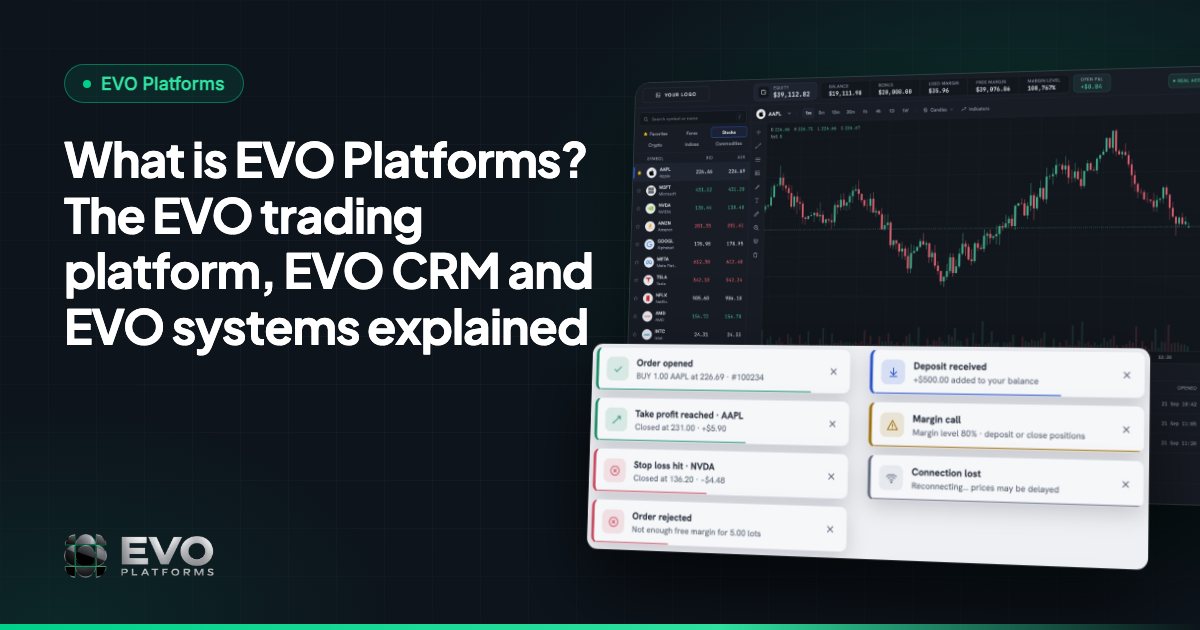
- EVO WebTrader: a professional trading platform in the browser, on desktop and mobile, with dark and light themes.
- EVO-CRM: leads, sales and retention desks, client and trading accounts, deposits and withdrawals with an approval flow.
- Back office and risk, built into the CRM: spreads, limits per symbol, leverage per client, margin call and stop out.
- Price feed: 250+ symbols streaming in real time across Forex, metals, indices, crypto, commodities and stocks.
- Broker website and client area, under your brand and domain.
- 24/7 support on Telegram and 24/7 monitoring, on your own isolated server.
If you want the full picture first, read What is EVO Platforms?. If you are ready to start, here are the steps.
Step 1: Send us a message
Everything starts with a conversation. The fastest way is Telegram: message @evoplatforms and you talk directly with the team that builds EVO. You can also use the form on our contact page.
Tell us a little about your plans: are you a new brokerage or switching from another platform, which markets and languages your clients need, and roughly how big your sales and retention team will be. There is no long questionnaire. A few lines are enough for us to recommend the right setup.
Step 2: Choose your setup
Based on your answers, we recommend a plan and walk you through what is included. EVO plans start from $2,500 per month, as one flat monthly fee, with no setup fee and no revenue share. The trading platform, CRM, back office, price feed, website and support are all part of the same system.
This is also the moment to mention anything specific to your business. Need a special report, a workflow your desk already uses, or an integration with a tool you rely on? EVO offers custom development: send a spec or an idea and we quote and build it on top of EVO.
You can see the plans and what each one covers on the pricing page.
Step 3: Send your brand, domain and languages
EVO is fully white-label. Your clients see your brand everywhere, never “EVO”. To set this up, we need a few things from you:
- 1Your logo, ideally in a clear, high-resolution version.
- 2Your brand colours, so the platform and website match your identity.
- 3Your domain, for the platform, client area and website.
- 4Your languages: English, Arabic with full right-to-left support, and German are available.
That is all we need to brand the trading platform, the client area and the broker website.
Step 4: We deploy EVO on your own server
Once your plan is confirmed, we deploy your brokerage. You pay, we deploy, you are live the next day. Every broker runs on its own isolated server, a dedicated VPS, so your data never touches another broker's.
The server is monitored 24/7 from day one, including site uptime, domain and SSL expiry alerts, and the status of your price feed. Security is built in too: an IP whitelist means only approved IPs can open the CRM, and security logs record every click by users and clients.
Step 5: Set your symbols, spreads and risk settings
Next, you decide how trading works on your platform. In the back office, which lives inside the same system as the CRM, you control:
- Symbols: which markets your clients can trade. 250+ symbols are available, every market can be switched on as an add-on, and we add any symbol you ask for.
- Spreads: your spread on each symbol, so pricing matches your business model.
- Limits per symbol: minimum and maximum lot size, and maximum exposure per symbol.
- Leverage per client: set leverage individually for each client.
- Margin call and stop out: levels that protect accounts automatically.
- Account status: suspend an account so the client cannot take any action, or disable it so they cannot log in at all.
Our team helps you with sensible starting values, and you can change them at any time. Risk groups and a dealing room are coming soon. To understand why these settings matter, read risk management for brokers and why your price feed matters.
Step 6: Connect your payment methods
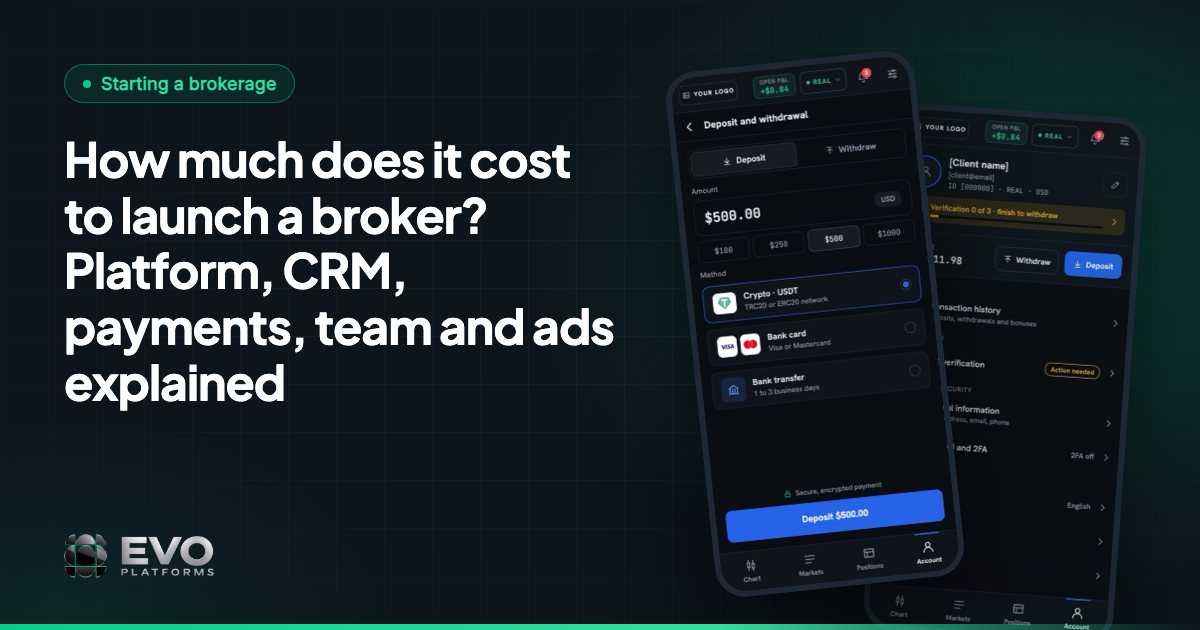
Your clients need an easy way to fund their accounts. With EVO, clients can deposit by any payment method: USDT and other crypto, cards, bank transfer or local payment methods. Any method you need can be connected.
Every deposit and withdrawal lands in EVO-CRM with an approval flow, so your finance team reviews and signs off on each transaction before a client's account is funded. Deposits, withdrawals and transactions are all visible in one place.
Step 7: Invite your team
With the platform running, you add your people to EVO-CRM. Roles and permissions give each person the right access:
| Role | What they do in EVO-CRM |
|---|---|
| Admin | Full control of the CRM, users, settings and the back office |
| Team leader | Manages a desk and its agents, follows leads and results |
| Sales agent | Works new leads, adds comments and statuses, converts leads to clients |
| Retention agent | Looks after funded clients and keeps them active |
Leads get statuses, sources, comments and an owner, and follow-up reminders make sure no lead is forgotten. Client accounts are linked to their trading accounts, so everyone sees the full picture. For a deeper look, read forex CRM features.
Step 8: Go live in less than 24 hours
Before launch, run a quick final check with our team: open a test account, place a few orders on desktop and mobile, try a deposit request and approve it in the CRM, and make sure your team can log in. Then you open the doors to your clients.
From first payment to a live brokerage takes less than 24 hours on EVO's side. If you want to plan the rest of your launch around that, see how to launch a broker in 24 hours.
After launch: support that answers in minutes
Going live is the start, not the end. EVO support is Telegram-first and available 24/7: you message the team and get an answer in minutes, day or night, weekends included. Need a new symbol, a settings change or help with a client case? Message us and we get it done.
As you grow, you can add markets, languages and custom features without changing platform. That is the advantage of one system from one team.
Frequently asked questions
How do I start with EVO Platforms?
Send a message to @evoplatforms on Telegram or use the contact form on systemsevo.com. Tell us about your plans, and we recommend a setup, collect your brand details and deploy your brokerage.
How long does it take to go live with EVO?
Less than 24 hours from payment. EVO deploys the trading platform, CRM, back office, price feed and website on your own server, so you can start onboarding clients the next day.
How much does EVO cost?
EVO plans start from $2,500 per month. It is one flat monthly fee with no setup fee and no revenue share. See the pricing page or contact us for the right plan.
What do I need to prepare before starting with EVO?
Your logo, brand colours, domain and the languages you need. You also decide which symbols to offer, your spreads and leverage, and which payment methods your clients will use. Our team helps with each step.
Can I move my existing brokerage to EVO?
Yes. Existing brokers follow the same steps, and we plan the switch with you so clients and accounts are moved over smoothly.
This article is for general information only and is not legal, tax or financial advice.
Ready to launch your brokerage?
Trading platform, CRM, back office and price feed — white-label and live in less than 24 hours.