What is a trading platform? How brokers and traders use it
A plain-language guide to trading platforms: what they do, the parts every good one has, web vs desktop vs mobile, what a broker runs behind the screen and how to choose a platform for your brand.
 EVO PlatformsTrading platforms7 min read
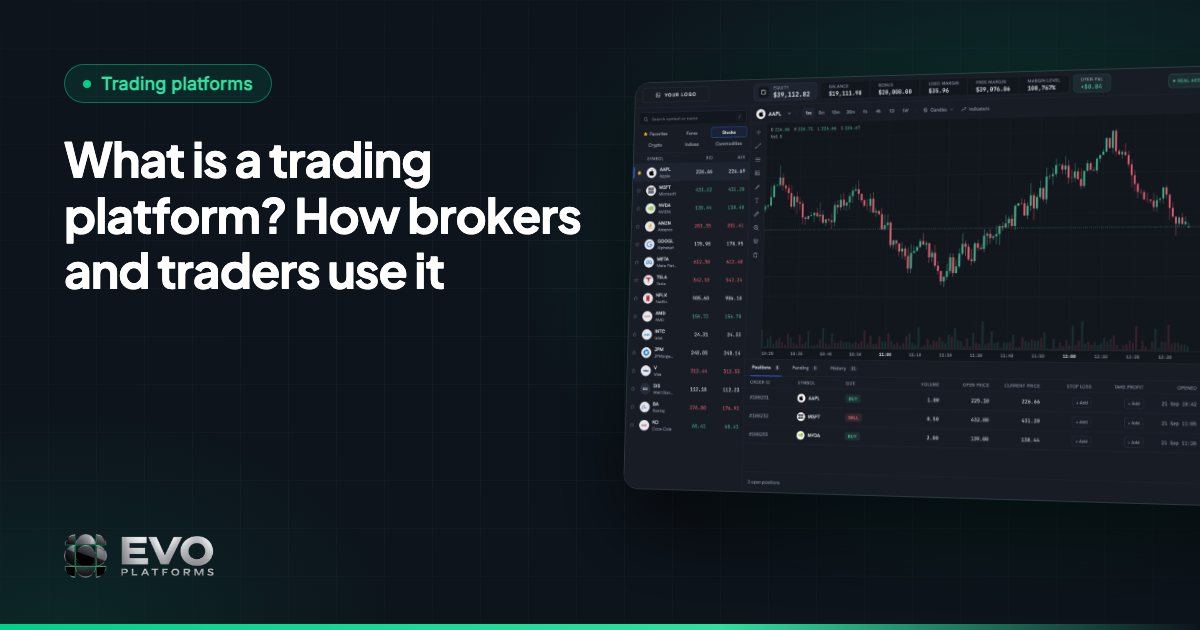
A trading platform is software that lets traders see live prices, place buy and sell orders, and manage their open positions and account on markets such as forex, metals, indices, crypto, commodities and stocks. For a broker, the trading platform is also the main product clients touch every day: the screen where the brokerage's prices, trading conditions and brand meet the trader.
This guide explains what a trading platform does, the parts every good one has, the different types (web, desktop and mobile), what a broker needs running behind it, and how to choose one. Along the way we show how EVO WebTrader, the trading platform inside EVO Platforms, handles each piece.
Key takeaways
- A trading platform is software for viewing live prices, placing orders, managing positions and monitoring an account.
- Traders see a watchlist, charts, an order box, positions, an account bar and a client area; the broker runs a price feed, CRM, back office and risk rules behind them.
- Platforms come as web, desktop or mobile apps, and web platforms need nothing installed.
- Most new brokers use a white label platform under their own brand rather than building one from scratch.
- EVO WebTrader runs in the browser on desktop and mobile, in one system with EVO CRM, the back office and a 250+ symbol real-time price feed.
What a trading platform does
Strip away the design and every trading platform does the same four jobs. It shows prices, it takes orders, it tracks positions and it reports on the account. Everything else, from chart indicators to notifications, exists to make one of those four jobs faster or clearer.
- Shows live prices. Quotes stream in for each symbol with two prices: the bid, where the trader can sell, and the ask, where the trader can buy. The gap between them is the spread.
- Takes orders. The trader chooses a symbol, a direction (buy or sell), a volume in lots and, if they want, take profit and stop loss levels.
- Tracks positions. Once an order is filled it becomes an open position, and its floating profit or loss updates with every price move.
- Reports on the account. Balance, equity, margin, free margin and P&L tell the trader how much room they have left to trade.
A platform that does these four jobs quickly and clearly earns trust. One that freezes during a news release, shows stale prices or hides the margin level loses clients, however good the marketing is.
The parts of a trading platform traders see
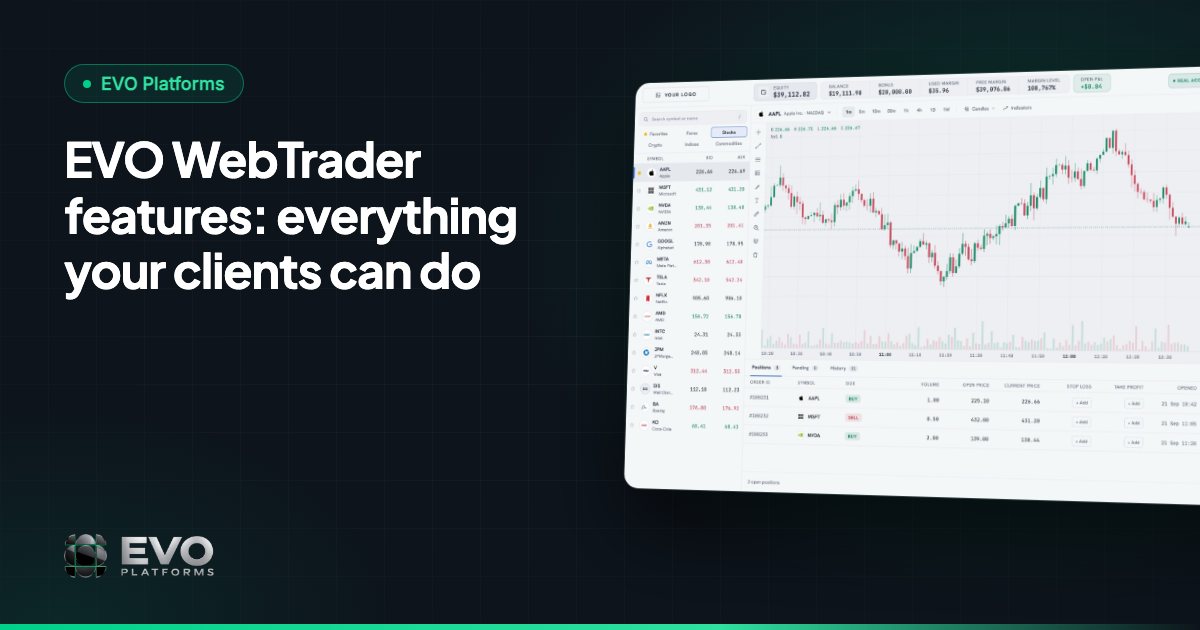
Most modern platforms share a familiar layout. A trader moving from one brokerage to another expects to find these pieces without searching for them:
| Part | What it does |
|---|---|
| Watchlist | Lists symbols with live bid and ask prices, usually grouped by market |
| Charts | Show price history over different timeframes, with indicators and drawing tools |
| Order box | Where the trader picks buy or sell, the volume, and take profit and stop loss |
| Positions and history | Tables of open positions, pending orders and closed trades |
| Account bar | Live balance, equity, margin, free margin and P&L |
| Notifications | Alerts for filled orders, margin calls and other account events |
| Client area | Profile, verification documents, deposits, withdrawals and transaction history |
The client area is easy to forget, but it matters as much as the charts. A trader who can't finish verification or find the deposit page never places a trade. That is why the platform and its client area should feel like one product, in one brand. Our article on the broker website and client area follows that journey in more detail.
What runs behind the platform: the broker's side
Traders see one screen. The broker runs several systems behind it, and the trading platform only works as well as its connection to them:
- A price feed that streams real-time quotes for every symbol the broker offers. Delayed prices are the fastest way to lose a trader's trust. See why your own price feed matters.
- A back office where the broker manages clients, trading accounts and symbols, and sets risk controls such as spreads, limits and leverage.
- A CRM where sales and retention teams work leads and clients, and where deposits and withdrawals are reviewed. If the term is new to you, start with what is a CRM for brokers.
- Risk management rules that run automatically, such as margin call and stop-out levels.
When these systems come from different vendors, data has to be copied between them and gaps appear: a client funded in one tool but not in the other, or a leverage change that never reached the platform. That is why many brokers now prefer a setup where the trading screen, the CRM and the back office are one system.
Types of trading platforms: web, desktop and mobile
Trading platforms reach traders in three main ways, and many brokers offer more than one:
| Type | How the trader uses it | Main trade-off |
|---|---|---|
| Web platform (WebTrader) | Opens in the browser on any computer or phone, nothing to install | Needs a modern browser and a stable connection |
| Desktop platform | Downloaded and installed on a computer | Has to be installed and updated on each device |
| Mobile app | Installed from an app store on a phone | Separate builds and store listings to maintain |
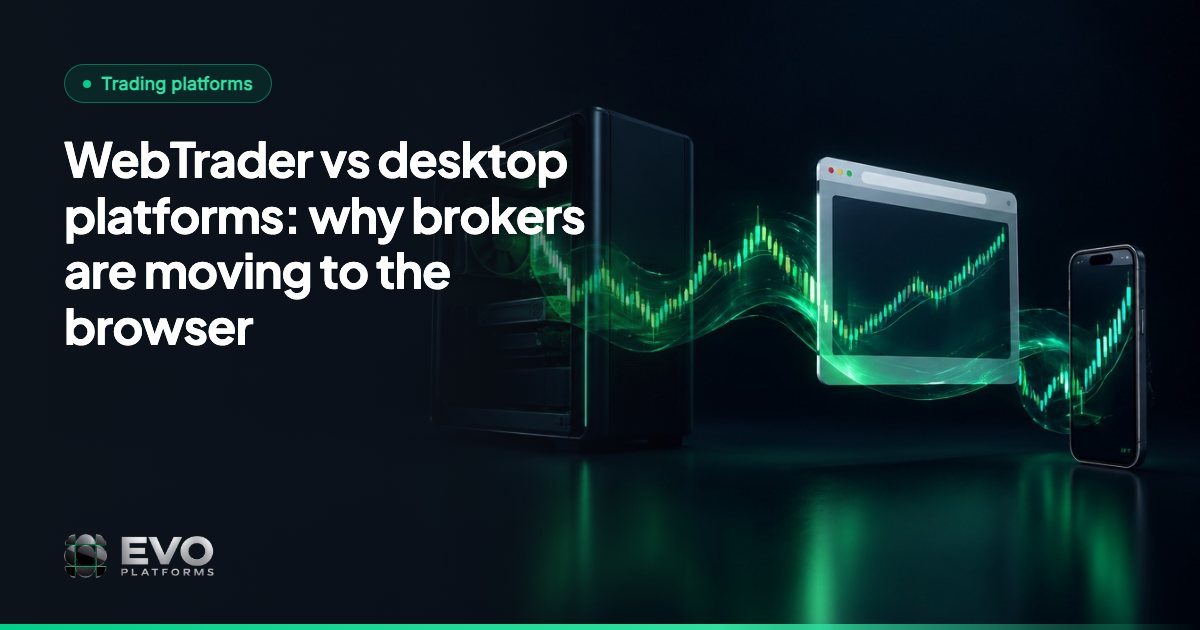
Web platforms have grown quickly because a link is all a new client needs. A trader can sign up on the broker's website and be looking at live prices a minute later, on a laptop or in a phone's browser. We compare the options in WebTrader vs desktop platforms.
How brokers get a trading platform
Very few brokers write their own platform. There are three common routes:
- 1Build your own. Full control, but it takes a development team, a long build and ongoing maintenance before the first client places a trade.
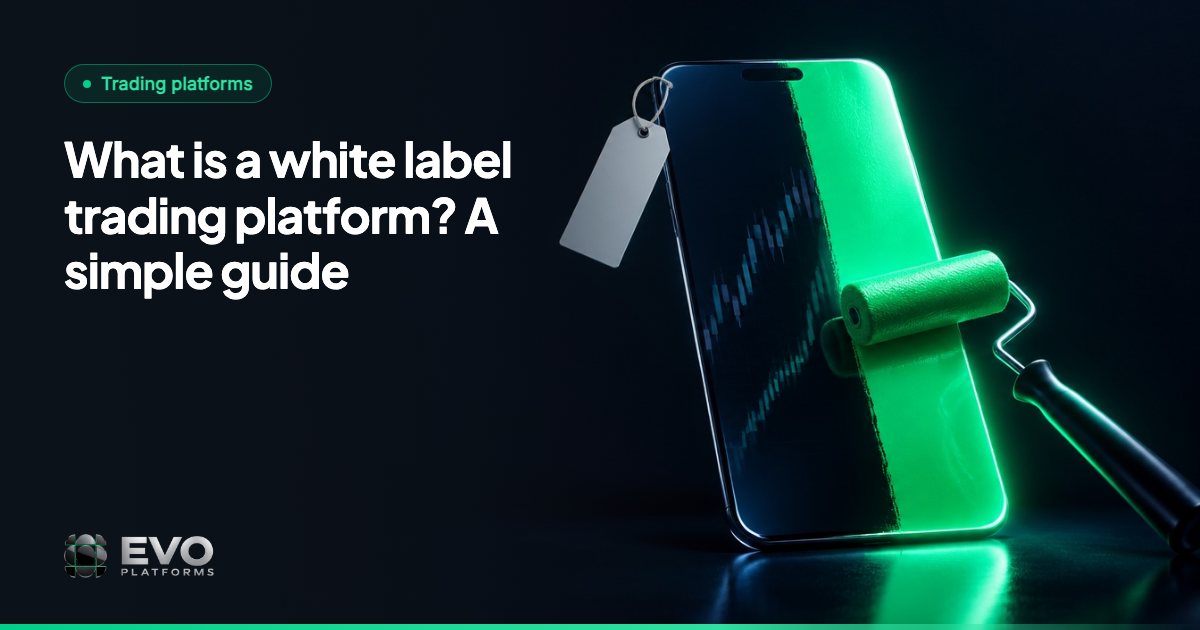
- 2Use a white label platform. A technology provider runs the platform, and the broker offers it under its own brand, logo and domain. This is the most common route for new brokerages. See what is a white label trading platform.
- 3Use a well-known third-party platform. Traders may already know it, but the broker's brand sits next to the vendor's, and the CRM and back office often come from somewhere else. Terms vary between vendors, so check each vendor's current offer.
For a fuller comparison of the first two routes, read white label vs building your own trading platform.
Want to see a full trading platform running under your own brand? We can have you live in 24 hours.
Talk to us on TelegramHow to choose a trading platform for your brokerage
A shortlist is easier to judge when you ask every option the same questions:
- Is it simple for a first-time trader? A clean order box and clear account figures mean fewer support questions.
- Does it carry your brand? Logo, colours and domain on every screen, including login and sign-up pages.
- Does it speak your clients' language? For Arabic-speaking markets that means a full right-to-left layout, not just translated buttons. See Arabic trading platform.
- Which markets and symbols does it offer, and can new symbols be added when clients ask for them?
- Are prices really real-time? Ask how quotes are delivered and what happens at busy moments.
- Is it connected to a CRM and back office, or will you have to join three tools together yourself?
- What risk controls do you get? Spreads, limits, leverage, margin call and stop-out.
- How is it secured, and how quickly does support answer?
Our checklist for choosing the best trading platform for new brokers goes through each of these questions in more depth.
How EVO WebTrader fits
EVO WebTrader is the trading platform inside EVO Platforms. Clients use it in the browser on desktop and mobile, in dark and light themes, fully in the broker's brand and domain, and in English, Arabic with full RTL, German and Spanish, with more languages on request.
- A watchlist with tabs for Forex, Metals, Indices, Crypto, Commodities and Stocks.
- Professional charts with a TradingView-style toolbar, indicators and timeframes.
- A simple order box: Buy / Sell, open at a set price, Take Profit and Stop Loss.
- Open positions, pending orders and history tables, with notifications for orders and account events.
- A live account bar with balance, equity, margin, free margin and P&L, with margin call and stop-out handled automatically.
- A client area for profile, security, documents, deposits, withdrawals and transaction history.
Behind it, the same system includes EVO CRM, the back office with spreads per symbol, symbol limits and leverage per client, and a price feed that streams 250+ symbols in real time with no delays, with any symbol added on request. Each broker runs on its own isolated, dedicated VPS with an IP whitelist and security logs, and support is available 24/7 on Telegram at @evoplatforms.
Frequently asked questions
What is a trading platform in simple terms?
It is the website or app a trader uses to buy and sell financial instruments. It shows live prices and charts, takes orders, and displays open positions, balance, equity and margin.
Is a trading platform the same as a broker?
No. The broker is the company that offers trading to its clients; the trading platform is the software they trade on. Many brokers use a platform built by a technology provider and run it under their own brand.
What is the difference between a web trading platform and a desktop platform?
A web platform runs in the browser with nothing to install, so it works on any computer and in a phone's browser. A desktop platform is downloaded and installed on each computer and has to be updated there.
What does a broker need besides the trading platform?
A real-time price feed, a CRM for leads and clients, a back office for accounts and risk controls, a way to accept deposits and withdrawals, a website with a client area, and dependable support.
What is EVO WebTrader?
EVO WebTrader is the EVO trading platform: a browser-based platform for desktop and mobile with a watchlist, charts, a simple order box with Take Profit and Stop Loss, positions, pending orders, history and a client area, all in the broker's brand.
We build EVO — the white-label trading platform, CRM and back office for brokers — and have worked with brokerages since 2020.
Published: Updated: 7 min read
This article is for general information only and is not legal, tax or financial advice.
Go live in 24 hours — talk to us on Telegram
Trading platform, CRM, back office and price feed on your own server, in your brand. Plans start at $2,500 a month, with no setup fee and no revenue share.