Broker website and client area: turning visitors into funded clients
A broker website is only half the journey. Here is how the website, the CRM and the client area work together to move a visitor from first visit to a funded, trading account.
 EVO PlatformsStarting a brokerage7 min read
Every brokerage wants more funded clients, and the path to them almost always starts on the website. But a good-looking forex broker website on its own does not fund accounts. What turns a visitor into a client is the whole journey behind it: a clear site, a sign-up that reaches your sales desk straight away, and a broker client area where the new client can verify, deposit and start trading without friction.
This guide walks through that journey step by step and shows how EVO Platforms connects the broker website, EVO CRM and the client area in EVO WebTrader into one flow.
Key takeaways
- A forex broker website converts best when sign-ups flow straight into the CRM rather than an inbox.
- EVO builds custom-designed, multi-language, SEO-ready broker websites on your own domain as an optional service.
- Every website registration lands in EVO CRM automatically with its source, ready for your sales desk.
- The branded client area in EVO WebTrader covers profile, security, KYC documents, deposits, withdrawals and transactions.
- Clients can fund by any payment method, and every transaction goes through an approval flow in the CRM.
The journey from visitor to funded client
Whatever your marketing looks like, most clients follow the same path. Each step is a place where you can win them or lose them:
- 1Visit: the prospect lands on your website from an ad, a search or a referral.
- 2Sign-up: they register on the site.
- 3Lead in the CRM: the registration reaches your sales desk with its source.
- 4Contact: a sales agent follows up and answers questions.
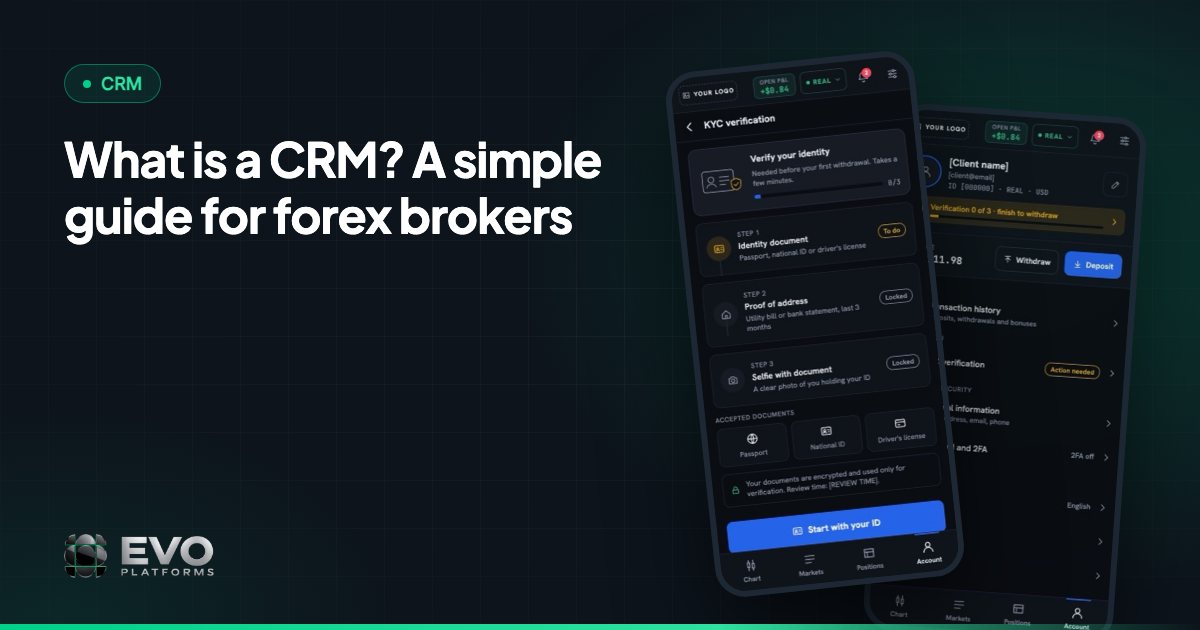
- 5Verification: the client uploads KYC documents in the client area.
- 6Deposit: the client funds the account with their preferred payment method.
- 7Trading and retention: the client trades, and your retention desk keeps the relationship going.
When the website, CRM and client area come from different vendors, the hand-offs between these steps are where leads go missing. With EVO they are one connected system.
Step 1: a broker website built to convert
Your website is your first impression, and traders compare brokers quickly. As an optional service, the EVO team builds your brokerage's full website: a custom-designed marketing site in your brand, not a template, hosted on your own domain.
What a broker website should include
- Account types explained clearly, so visitors can choose without asking.
- Trading conditions for the instruments you offer.
- Education pages that build confidence before the first deposit.
- Terms and policy pages that answer the questions careful traders ask.
- A sign-up that is easy to find on every page.
Every language your clients speak
A visitor who reads your site in their own language is far more likely to register. EVO websites are multi-language: English, Arabic with full RTL, German and any other language you need. Arabic pages read naturally from right to left rather than as a mirrored afterthought.
SEO-ready from day one
Paid traffic is expensive, so organic search matters. Each site is SEO-ready, with a sitemap, metadata and attention to page speed, giving your content a fair chance to be found.
Step 2: sign-ups that land straight in the CRM
The moment after a sign-up is the most valuable in the whole journey. The prospect is interested right now. If their details sit in an inbox or a spreadsheet, that interest fades.
With EVO, every registration on your website lands in EVO CRM automatically, with its source, ready for a status, comments and an owner. Nothing is copied by hand, and nothing waits for someone to export a file.
Step 3: the sales desk takes over
Once a lead is in the CRM, your team works it in one place. EVO CRM handles 20,000+ leads, with lead management built around statuses, sources, comments and owner assignment.
- Separate desks: a sales desk for new clients and a retention desk for funded clients.
- Clear roles: admin, team leader, sales agent and retention agent, each seeing the leads and clients it works on.
- Activity log per lead: every action on a lead is tracked.
- Linked accounts: each client is linked to their trading accounts.
Automatic follow-up reminders by lead status are coming soon. For a deeper look at what a desk needs, see our guide to forex CRM features.
Step 4: a client area that makes funding easy
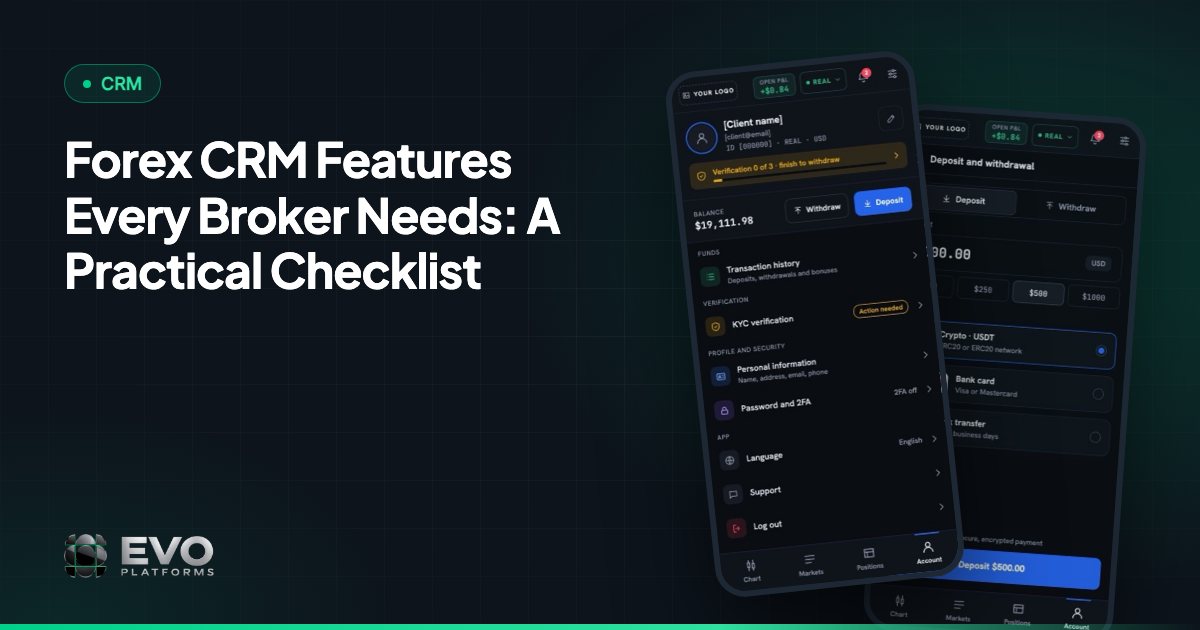
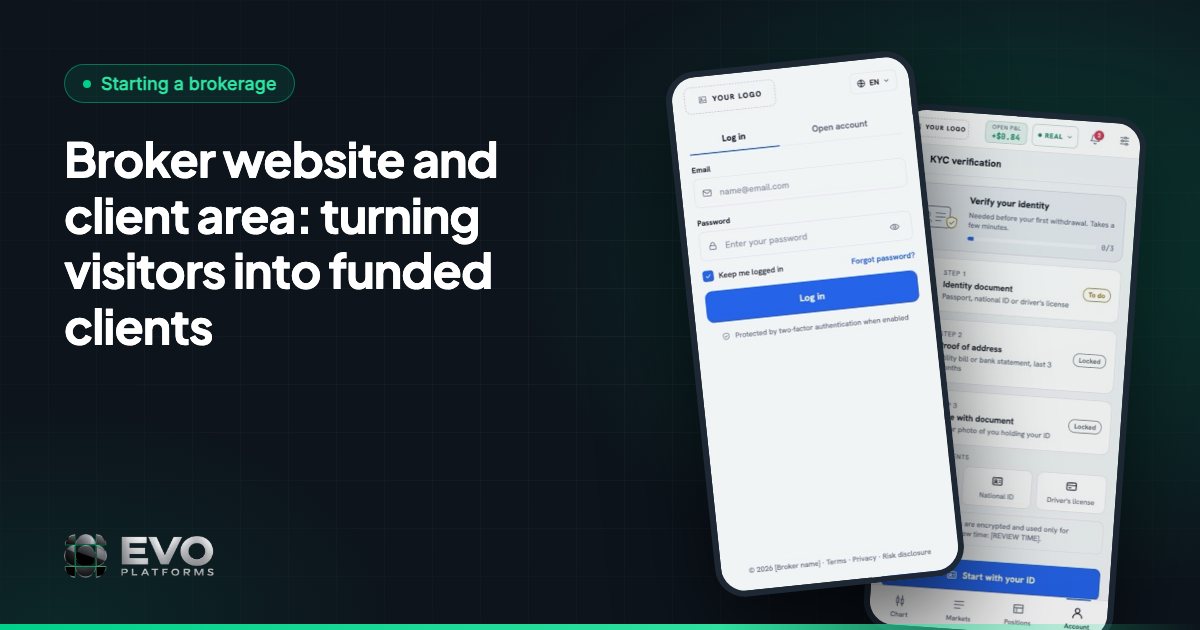
The broker client portal is where interest becomes a funded account. In EVO, the client area is part of EVO WebTrader and runs fully in your brand, with login and sign-up pages in your brand too. It includes:
| Client area section | What the client does there |
|---|---|
| Profile | Keeps personal details up to date |
| Security | Manages account access settings |
| KYC documents | Uploads verification documents |
| Deposit | Funds the account with a payment method |
| Withdraw | Requests a withdrawal |
| Transactions | Sees the history of deposits and withdrawals |
Any payment method, with approval in the CRM
Clients can fund by any payment method: USDT and other crypto, cards, bank transfer or local methods, and any method can be connected. Every deposit and withdrawal then goes through an approval flow in the CRM, so your finance team reviews each transaction before it is approved and the client sees the result in their transaction history.
Step 5: from funded account to active trader
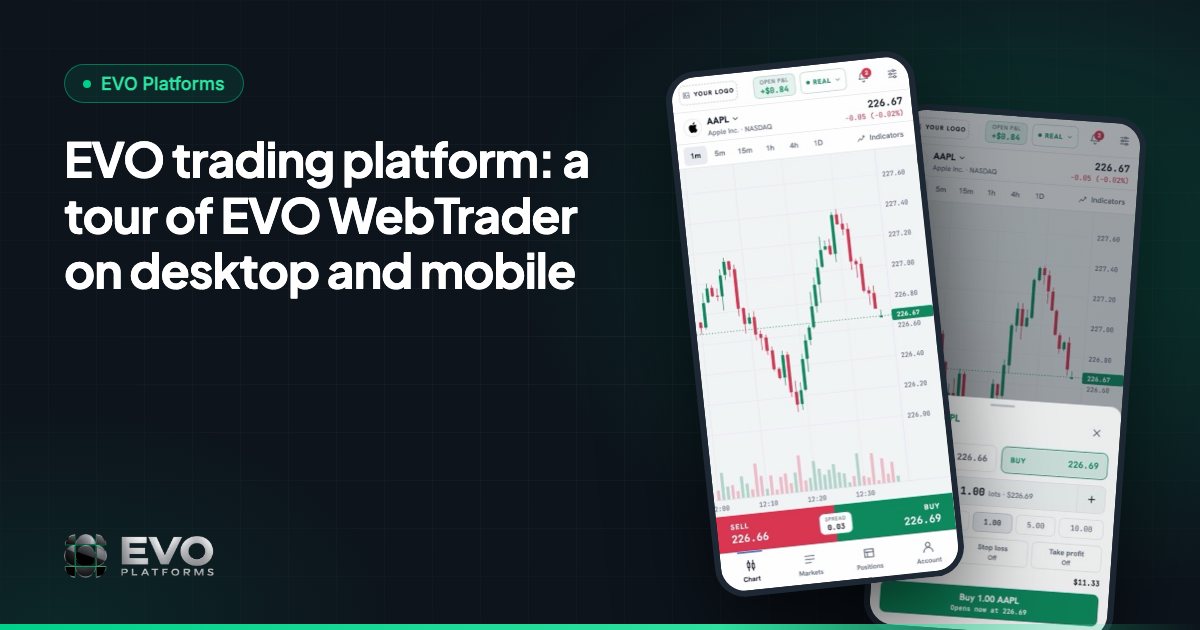
A funded client who finds the platform confusing will not stay. The client area sits inside the same EVO trading platform they trade on, so there is no jump to a different system. EVO WebTrader runs in the browser on desktop and mobile, in dark and light themes, with a watchlist by category, professional charts, a simple order box with take profit and stop loss, and positions and history in one place.
Prices stream in real time with no delays across 250+ symbols, with digital currency feeds running 24/7 and any symbol added on request. You can take the full walk-through in our EVO trading platform tour.
Why one connected system converts better
The real advantage is not any single page. It is that nothing falls between the steps:
- The website sends sign-ups straight to the CRM, so no lead is lost in transit.
- The sales desk sees each client's linked trading accounts, so conversations are informed.
- KYC, deposits and withdrawals happen in a branded client area your clients already trust.
- Finance approves transactions in the same CRM the desks use.
- Clients see your brand, logo, colours and domain throughout, never "EVO".
Behind it all, your site's uptime is monitored and you get domain and SSL expiry alerts, so the front door to your brokerage stays open.
Getting your website and client area live
EVO WebTrader with its client area, EVO CRM and the back office are included in every plan, and you can go live in less than 24 hours. EVO plans start from $2,500 per month, and the broker website is available as an optional service on top.
Tell us about your brand, the languages you need and the pages you want, and we will recommend the right setup. See pricing, read more about our broker websites, or contact us. Support is 24/7 on Telegram at @evoplatforms.
Frequently asked questions
Does EVO build the broker website, or only the platform?
Both. EVO WebTrader, EVO CRM and the back office are in every plan, and the EVO team also builds your brokerage's full website as an optional service: custom-designed in your brand and hosted on your domain.
Do website sign-ups go into the CRM automatically?
Yes. Every registration on the website lands in EVO CRM automatically with its source, ready to be given a status, comments and an owner.
What can clients do in the EVO client area?
Clients can manage their profile and security, upload KYC documents, deposit, request withdrawals and view their transaction history, all in your brand.
Which payment methods can clients use to deposit?
Any payment method: USDT and other crypto, cards, bank transfer or local methods. Any method can be connected, and every deposit and withdrawal goes through an approval flow in the CRM.
Which languages are available for the website and client area?
English, Arabic with full RTL and German, and we add any other language you need.
This article is for general information only and is not legal, tax or financial advice.
Ready to launch your brokerage?
Trading platform, CRM, back office and price feed — white-label and live in less than 24 hours.