KYC verification for forex brokers: a smooth client onboarding flow
KYC is where many brokerages lose new clients. Here is a step-by-step onboarding flow, from sign-up to first deposit, that keeps verification smooth for clients and simple for your team.
 EVO PlatformsCRM7 min read
For a new client, the moment between "I signed up" and "I placed my first trade" decides a lot. If verification feels slow, unclear or confusing, many people simply stop. They don't complain. They just never come back, and your marketing spend on that lead is wasted.
KYC verification (Know Your Customer) does not have to feel like a barrier. With a clear flow, a client area that makes uploading documents easy and a CRM that shows your team where every client stands, it becomes a normal step in onboarding. This guide walks through that flow and shows how the EVO WebTrader client area and EVO CRM support it.
Key takeaways
- KYC confirms who is behind each account and protects withdrawals, but a confusing flow loses new clients.
- Keep onboarding in one system: branded sign-up, lead in the CRM, KYC documents in the client area, deposit with approval.
- EVO's client area includes Profile, Security, KYC documents, Deposit, Withdraw and Transactions, in English, Arabic (full RTL) and German.
- KYC / AML provider integrations, modular KYC setup and extra login options are coming soon.
- Isolated VPS per broker, IP whitelist and security logs protect client documents. Plans start from $2,500 per month.
What KYC means for a brokerage
KYC is the process of confirming that the person behind a trading account is who they say they are. In practice, brokers usually ask clients for documents such as proof of identity and proof of address, review them and mark the client as verified.
For a brokerage, good KYC is about more than paperwork:
- Protecting withdrawals: you know who you are sending funds to.
- Reducing fraud and duplicate accounts: one verified person, one clear profile.
- Working smoothly with payment partners, who often expect brokers to know their clients.
- Building trust: a professional verification step tells clients they are dealing with a serious brokerage.
Where client onboarding usually breaks
Most onboarding problems are not caused by KYC itself, but by how it is run. The most common gaps:
- Documents sent by email or chat, then lost between inboxes and agents.
- No visible status, so clients don't know whether their documents were received, and agents don't know whether to follow up.
- Sales and back office working in different tools, so the agent who called the client cannot see the verification result.
- Asking for everything at once, before the client has even seen the platform.
- Forms that don't work well on a phone, even though many clients sign up from mobile.
- One language only, when your clients would be more comfortable in Arabic or German.
Each of these adds a day, a message or a moment of doubt. Fixing them is mostly about keeping the whole flow in one connected system.
A smooth onboarding flow, step by step
Here is an onboarding flow that keeps things moving for the client and gives your team full visibility:
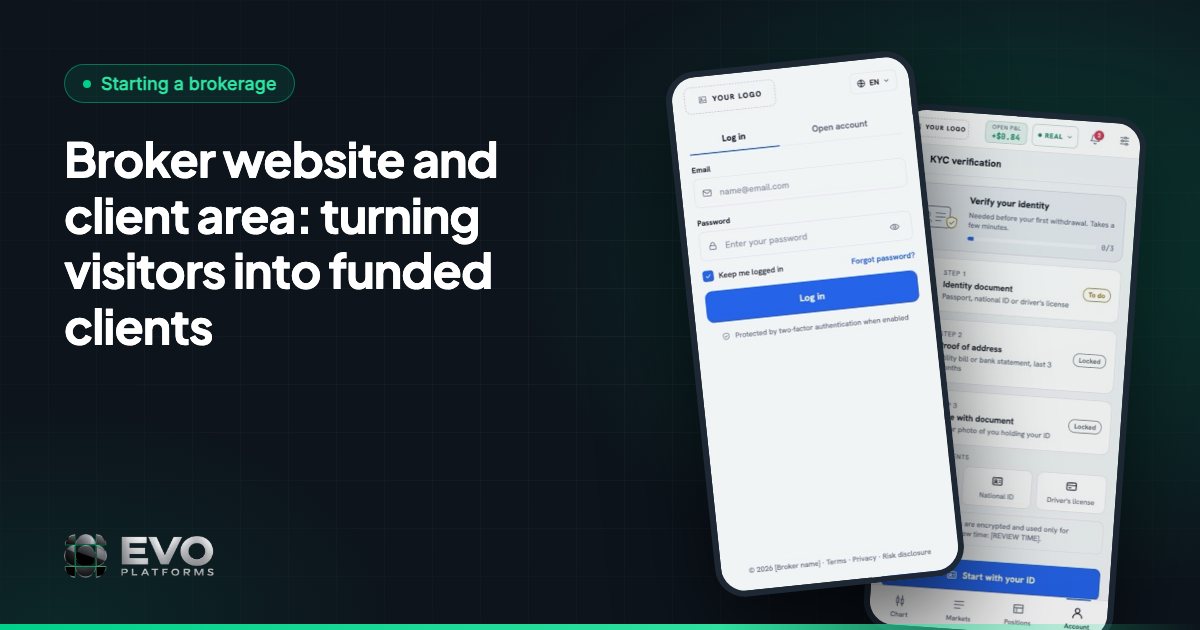
- 1Sign-up on your branded page. The client registers on login and sign-up pages in your brand, on your domain.
- 2The lead appears in the CRM. Every sign-up lands in EVO CRM automatically with its source, ready for a status, comments and an owner.
- 3A sales agent makes contact. The agent welcomes the client, explains the next steps and logs the call in the lead's activity log.
- 4The client uploads KYC documents. In the client area, the client opens KYC documents and uploads what you ask for, from desktop or phone.
- 5Your team reviews. While documents are under review the client shows as pending. Once approved, the client area shows documents verified.
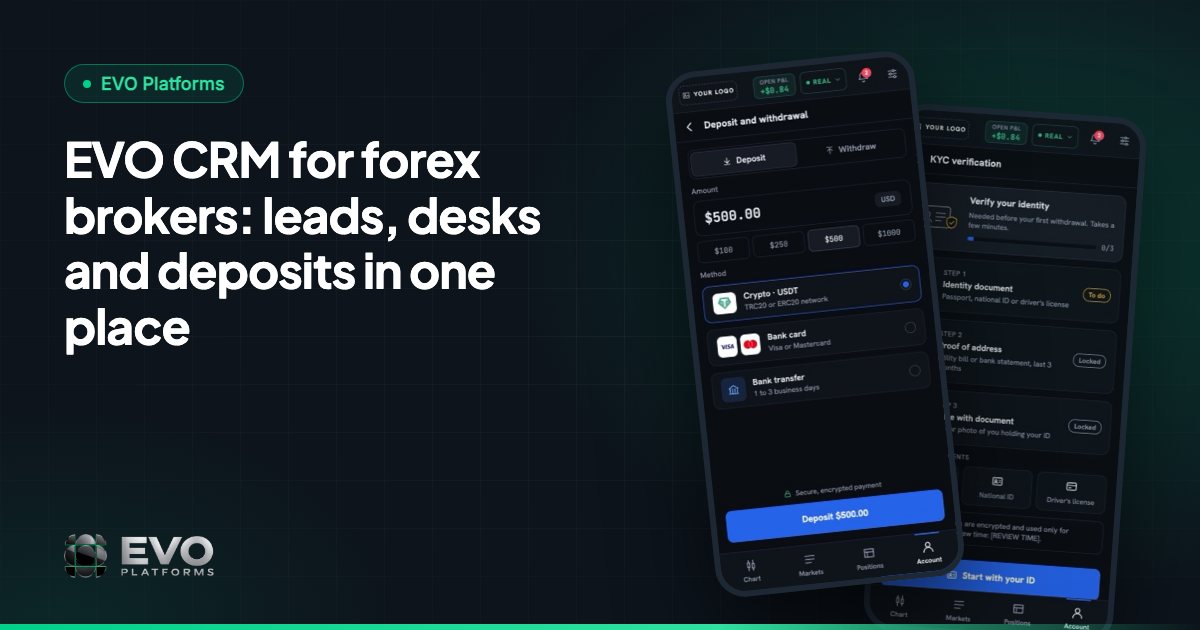
- 6First deposit with approval. The client requests a deposit by any payment method you connect (USDT and other crypto, cards, bank transfer or local methods), and finance approves it in the CRM.
- 7First trade. The account is funded and the client trades in EVO WebTrader, with the retention desk taking over from there.
Every step happens inside one system, so nothing has to be copied between tools and every action is recorded.
The client area: where clients complete verification
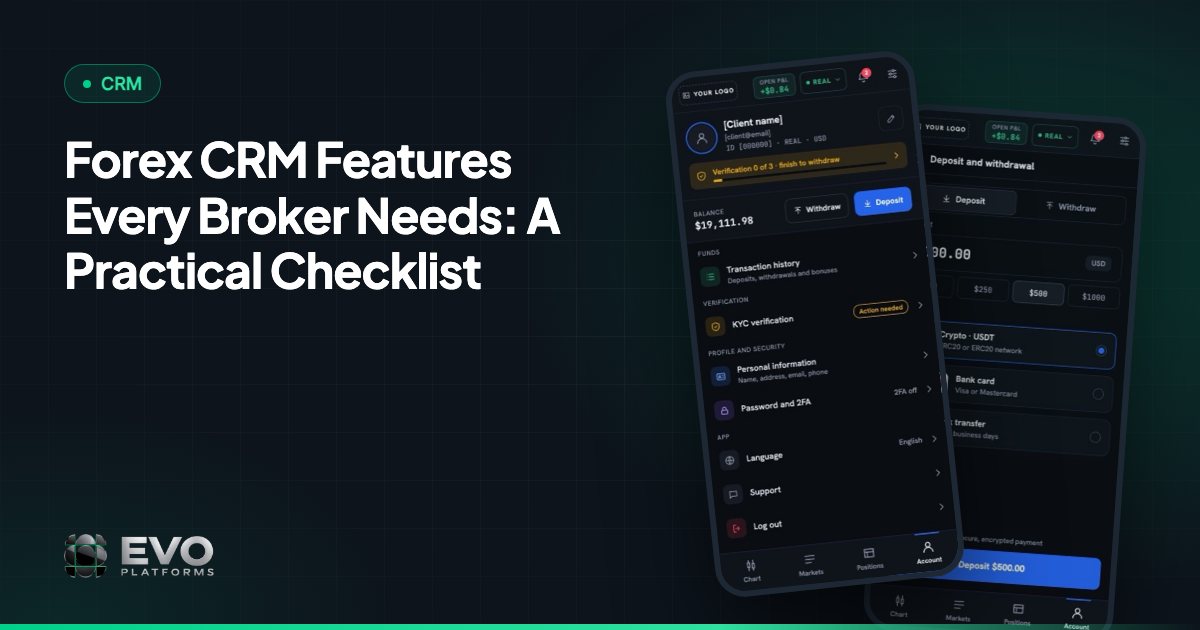
The client area in EVO WebTrader is built to be finished, not abandoned. It runs in your brand and includes:
- Profile and Security settings.
- KYC documents, where clients upload and track their verification.
- Deposit, Withdraw and Transactions, with the full history of every request.
- Login and sign-up pages in your brand, colours and domain.
The client area works in the browser on desktop and mobile, in dark and light themes, and in English, Arabic with full RTL and German. Clients can take a photo of a document on their phone and upload it in the same place they will later trade. For more on the client-facing side, read your broker website and client area.
The CRM side: one view of every client
On your side, the same client is one record in EVO CRM. The agent who called the lead, the team member who reviews documents and the finance person who approves the deposit all look at the same profile, with its trading accounts linked to it.
| Need | How EVO CRM handles it |
|---|---|
| Know where each new client came from | Every website sign-up arrives with its source |
| Know who is responsible | Owner assignment for every lead |
| Keep the context of every call | Comments and an activity log per lead |
| Control who sees client data | Roles and permissions for admins, team leaders and agents |
| Approve money movements | Deposits and withdrawals go through an approval flow |
Because the back office is part of the CRM, you can also act on an account directly, for example by suspending it so the client can log in but cannot trade, deposit or withdraw while something is checked.
What is coming next for onboarding in EVO
Several onboarding features are on the roadmap. They are not available yet, but they show where the platform is heading:
- Integrations page (coming soon): connect payment, KYC / AML and other providers by pasting API keys.
- Modular setup (coming soon): switch KYC, document signing and AML checks on or off to fit your workflow.
- Login options (coming soon): OTP, 2FA, social login and auto-login.
- Follow-up reminders by lead status (coming soon), so pending clients are not forgotten.
- Phone check and VoIP (custom development): check that numbers are real, active and on WhatsApp, and call from the CRM.
If your onboarding needs something specific today, our custom development team can quote it. Contact us to discuss your flow.
Practical tips for faster verification
- 1Ask at the right moment. Let clients see the platform first, then ask for documents before the first deposit or withdrawal.
- 2Say exactly what you need. A short list of accepted documents saves rounds of re-uploads.
- 3Keep documents in one place. Ask clients to upload in the client area, not by email or chat.
- 4Review quickly. Agree on a target time for reviews and let agents see pending clients.
- 5Speak the client's language. Offer onboarding in Arabic or German where your clients need it.
- 6Check verification before withdrawals. Use the approval flow so finance confirms the client is verified before approving.
Keeping client documents safe
Identity documents are sensitive, so where they live matters. In EVO every broker runs on its own isolated, dedicated VPS, so your clients' data never shares a server with another broker. You can whitelist the IP addresses allowed into the CRM and back office, and security logs record every click and action by CRM users and clients: who did what, when and from which IP. See broker platform security for more.
Getting started
EVO gives you the branded sign-up pages, the client area with KYC documents, the CRM and the back office as one system, live in less than 24 hours. EVO plans start from $2,500 per month. See pricing or message our 24/7 support on Telegram at @evoplatforms.
Frequently asked questions
Where do clients upload KYC documents in EVO?
In the client area of EVO WebTrader, under KYC documents. It works in the browser on desktop and mobile and runs in your brand.
Can my team see which clients are still pending verification?
Yes. Each client is one record in EVO CRM, linked to their trading accounts, so your team can see where every client stands and follow up. Follow-up reminders by lead status are coming soon.
Can I connect an external KYC or AML provider?
An integrations page for connecting payment, KYC / AML and other providers by API key is coming soon, along with a modular setup to switch KYC, document signing and AML checks on or off. For a specific integration now, ask about custom development.
Is onboarding available in Arabic?
Yes. EVO WebTrader, the client area and the sign-up pages are available in English, Arabic with full right-to-left support and German.
How are client documents protected?
Every broker has its own isolated, dedicated VPS. Access to the CRM and back office can be limited with an IP whitelist, and security logs record every action by CRM users and clients.
This article is for general information only and is not legal, tax or financial advice.
Ready to launch your brokerage?
Trading platform, CRM, back office and price feed — white-label and live in less than 24 hours.