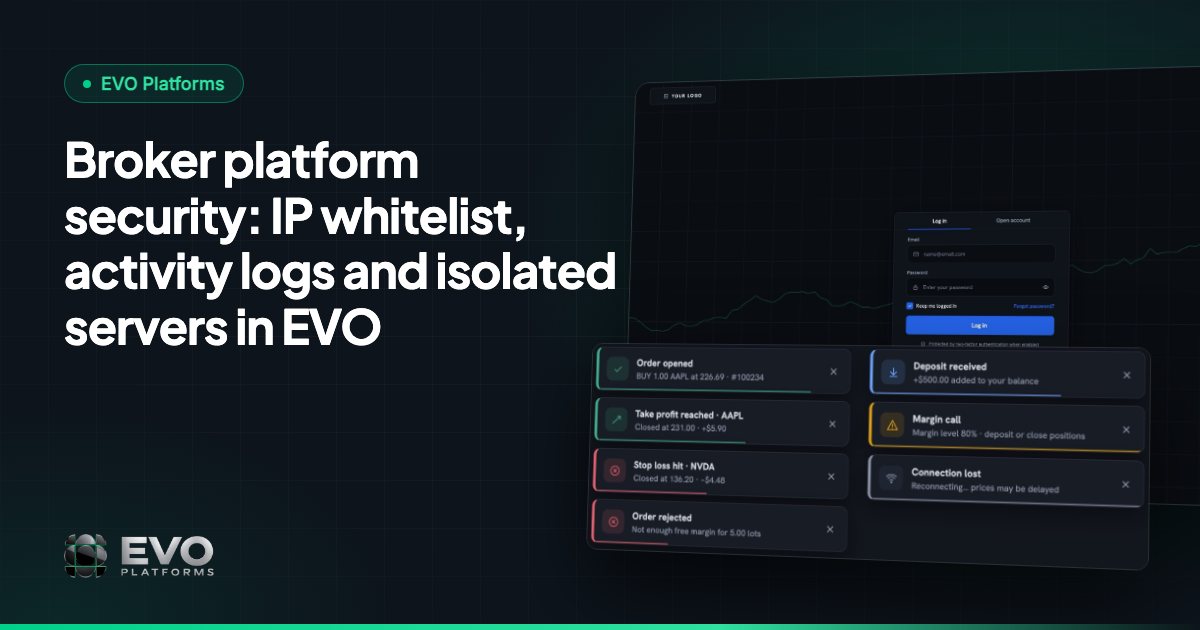
Broker platform security: IP whitelist, activity logs and isolated servers in EVO
What broker platform security really means day to day, and how EVO handles it: your own isolated server, an IP whitelist, security logs of every click, roles, account controls and round-the-clock monitoring.
 EVO PlatformsEVO Platforms7 min read
A brokerage runs on trust. Clients trust you with their deposits and their trading, and your team trusts the system with leads, accounts and transactions. Broker platform security is what keeps that trust intact: who can get into your CRM, what they can change, whether you can see what happened afterwards, and whether your data is kept apart from everyone else's.
This guide explains the practical side of security for a brokerage and shows how EVO Platforms handles each part: isolated servers, an IP whitelist, security logs, roles and permissions, account controls and 24/7 monitoring.
Key takeaways
- Every EVO broker runs on its own isolated server, a dedicated VPS, so your data never touches another broker's.
- The IP whitelist limits access to the CRM and back office to the IP addresses you approve.
- Security logs record every action by CRM users and clients: who, what, when and from which IP.
- Roles and permissions, suspended and disabled accounts, and an approval flow for every transaction keep control in your hands.
- Every platform is monitored 24/7, with Telegram-first support at @evoplatforms.
What broker platform security means in practice
For most brokers, security is not an abstract topic. It comes down to a handful of everyday questions that the platform has to answer clearly:
- Where does our data live, and is it shared with anyone else?
- Who can reach the admin side of the system, and from where?
- What can each team member see and change?
- Can we see who did what, and when, if something goes wrong?
- Can we stop an account quickly if we need to?
- Who is watching the platform at night and at weekends?
Layer 1: your own isolated server
The first question is where your brokerage actually runs. With EVO, every broker runs on its own isolated server: a dedicated VPS. Your trading platform, CRM, back office and data sit on a server that is yours alone, so your data never touches another broker's.
This matters for two reasons. First, separation: your clients, accounts and transactions are not stored side by side with another company's records. Second, stability: activity on another broker's platform does not compete with yours for the same resources.
Because each broker gets its own server from day one, the setup is the same whether you are launching your first brand or moving an established client base. You can still go live in less than 24 hours, with the dedicated VPS deployed as part of the launch.
Layer 2: an IP whitelist for the CRM and back office
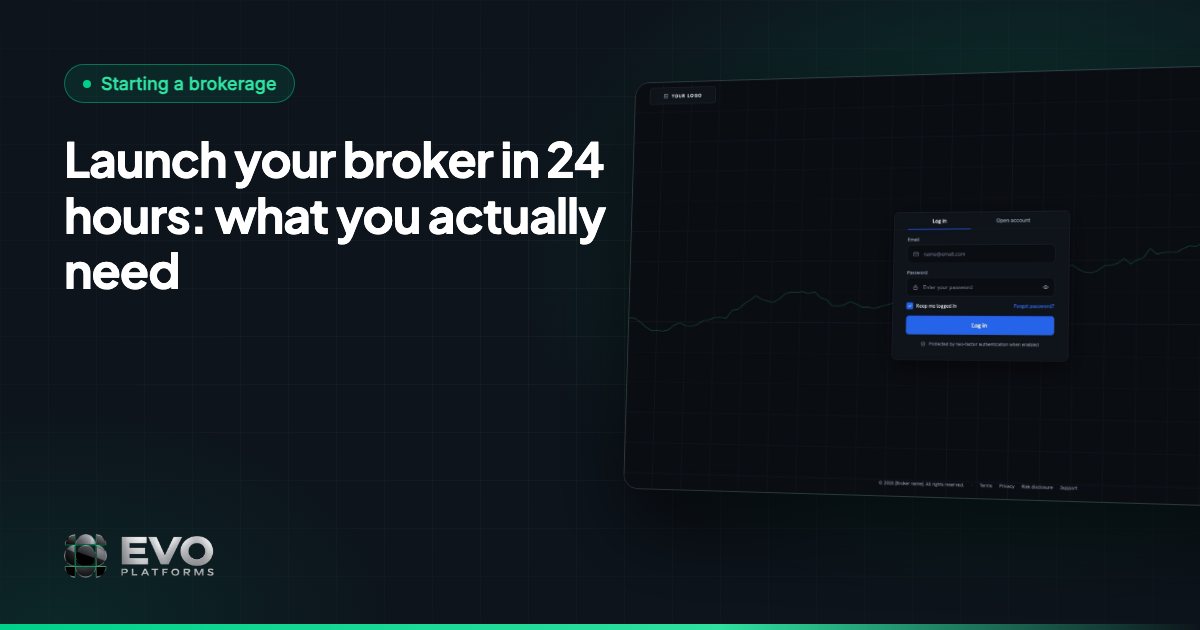
Passwords get shared, saved in browsers and sometimes leaked. An IP whitelist adds a second gate that a password alone cannot open. In EVO, you can allow access to the CRM and back office only from the IP addresses you approve, such as your office network.
If someone outside those addresses tries to sign in with a valid username and password, they still cannot reach the admin side of your brokerage. This is one of the simplest and most effective controls a broker can switch on.
Practical tips for using the whitelist
- 1List the fixed IP addresses of your office or offices before go-live.
- 2Decide which remote team members genuinely need access, and add their addresses deliberately.
- 3Review the list when someone leaves the team or an office moves.
Layer 3: security logs of every action
Access control decides who gets in. Security logs show what they did once inside. In EVO, every click and action by CRM users and by clients is logged: who, what, when and from which IP.
That record is useful far beyond a security incident. It answers everyday questions quickly:
- Who changed a client's leverage, and when?
- Which agent last worked on this account?
- Was this action taken from the office or from somewhere else?
- What did the client do in their account before raising a complaint?
On top of the security logs, EVO CRM keeps an activity log per lead, so every action on a lead is tracked. Team leaders can follow how a lead was handled from first contact onwards, which helps with coaching as well as accountability.
Layer 4: roles and permissions
Not everyone on your team needs to see everything. EVO uses roles and permissions so you decide who can see and change what. The CRM comes with clear roles: admin, team leader, sales agent and retention agent, and each role sees the leads and clients it works on.
Keeping access narrow reduces mistakes as much as it reduces risk. A sales agent focused on new leads does not need the controls that an admin uses to manage symbols or accounts. You can read more about how the desks are organised in our EVO CRM and back office guide.
| Control | What it protects against |
|---|---|
| Dedicated VPS per broker | Your data being stored alongside another broker's |
| IP whitelist | Sign-ins to the CRM and back office from unapproved locations |
| Security logs | Actions that nobody can trace afterwards |
| Roles and permissions | Team members seeing or changing more than they should |
| Approval flow for transactions | Deposits or withdrawals going through without review |
| Suspended and disabled accounts | An account staying active while you investigate |
Layer 5: account controls and transaction approval
Security also means being able to act fast on a single account. In the back office, you have two clear options:
- Suspended account: the client can log in and see the account, but cannot trade, deposit or withdraw.
- Disabled account: the client cannot log in to the account at all.
Money movements have their own safeguard. Clients can fund by any payment method, whether USDT and other crypto, cards, bank transfer or local methods, and any method can be connected. Whatever the method, every deposit and withdrawal goes through an approval flow in the CRM, so finance reviews each transaction before it is approved.
The same back office holds your trading controls, including spreads per symbol, limits per symbol, leverage per client, automatic margin call and stop out, and take profit and stop loss on every position. Execution stays in-house with this built-in risk management, while risk groups and a dealing room are coming soon.
Layer 6: 24/7 monitoring and support
The last layer is people watching the system. Every broker's platform is monitored 24/7, so problems are spotted early. Monitoring in every plan includes:
- Platform monitoring around the clock.
- Uptime monitoring for your broker website.
- Domain and SSL expiry alerts, so you know before anything expires.
- Live status of your price feed.
If you need help, support is Telegram-first and available 24/7 at @evoplatforms, with answers in minutes from the team that builds EVO.
What is coming next
Several sign-in improvements are on the roadmap and are marked as coming soon: Google login with OTP and 2FA for your team, and further login options including OTP, 2FA, social login and auto-login. We will announce them when they are released.
A security checklist for your first week
- 1Confirm your dedicated VPS is live and your domain points to it.
- 2Add your office IP addresses to the whitelist for the CRM and back office.
- 3Create team accounts with the right role for each person: no shared logins.
- 4Agree who in finance approves deposits and withdrawals.
- 5Show team leaders how to read the security logs and the activity log per lead.
- 6Save @evoplatforms on Telegram so your team can reach support at any hour.
EVO plans start from $2,500 per month, and every plan includes the isolated server, security features and 24/7 monitoring. See pricing or contact us to talk through your setup.
Frequently asked questions
Is my brokerage's data separated from other brokers on EVO?
Yes. Each broker runs on its own isolated server, a dedicated VPS, so your data never touches another broker's.
What does the IP whitelist do in EVO?
It lets you allow access to the CRM and back office only from the IP addresses you approve. Sign-in attempts from other addresses cannot reach the admin side, even with a valid password.
What is recorded in the EVO security logs?
Every click and action by CRM users and clients, including who did it, what they did, when, and from which IP address. EVO CRM also keeps an activity log for each lead.
Can I stop a client account quickly?
Yes. In the back office you can suspend an account, so the client can log in but cannot trade, deposit or withdraw, or disable it so the client cannot log in at all.
Does EVO support 2FA?
Google login with OTP and 2FA for your team, plus further login options such as social login and auto-login, are coming soon. Today, the IP whitelist and security logs protect access to the CRM and back office.
This article is for general information only and is not legal, tax or financial advice.
Ready to launch your brokerage?
Trading platform, CRM, back office and price feed — white-label and live in less than 24 hours.