Red flags when choosing a white label provider: 12 warning signs before you sign
Twelve warning signs to catch before you sign with a white label trading platform provider, from revenue share and shared servers to weak support and contracts you cannot leave.
 EVO PlatformsStarting a brokerage8 min read
The demo looked great. Six months after launch, the platform freezes during a news spike, support replies the next morning, and the contract says the provider takes a share of every dollar you earn for two more years. None of that was in the sales deck.
This guide lists 12 red flags when choosing a white label provider, grouped by money, technology, support, security and contract, with the exact question that exposes each one. Use it as a checklist before you sign anything.
Key takeaways
- The costliest red flag is a revenue share or per-account fee: it grows every time your marketing works.
- Ask for a dedicated server, clear answers on backups and monitoring, and a white label that carries only your brand.
- Test support at night or on a weekend before you sign; 24/7 in a direct channel is the standard to expect.
- Insist on IP whitelist, activity logs and 2FA for CRM access, plus a written right to export your data.
- No live demo or no firm go-live date means you are buying promises, not software.
What counts as a red flag in a white label provider?
A red flag is anything that makes your costs grow faster than your revenue, slows your launch, or makes it hard to leave. One flag is a reason to ask harder questions. Three or more is a reason to walk away.
Here are the 12 warning signs at a glance:
| # | Red flag | Area | What it costs you |
|---|---|---|---|
| 1 | Setup fee with no written scope | Money | Cash burned before your first FTD |
| 2 | Revenue share or per-account fees | Money | A tech bill that grows with every client |
| 3 | CRM, price feed and website billed separately | Money | Three invoices plus connection work |
| 4 | Shared server with other brokers | Technology | Someone else's load slows your clients |
| 5 | Vague answers on backups and monitoring | Technology | Lost data and long outages |
| 6 | A white label that still shows the vendor | Technology | A weak brand and no control |
| 7 | A reseller who cannot change the code | Technology | Bugs wait for a third party |
| 8 | Support by ticket or office hours only | Support | A 2am problem waits until morning |
| 9 | No IP whitelist, activity logs or 2FA | Security | Leaked leads and insider fraud |
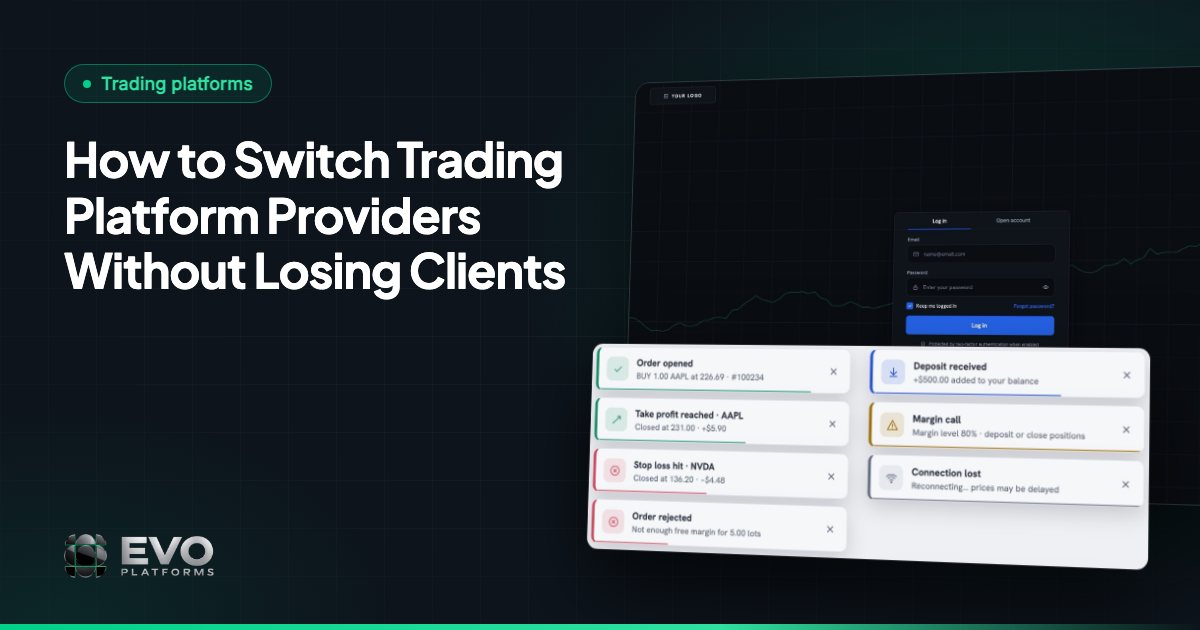
| 10 | No clean exit or data export | Contract | You are locked in |
| 11 | No live demo of the real product | Sales | You buy slides, not software |
| 12 | No firm go-live date | Sales | Payroll and ad budget burn while you wait |
Which pricing red flags cost brokers the most?
The most expensive red flag is a revenue share, because it never stops growing. A setup fee hurts in month one. A revenue share hurts every month after that.
1. A setup fee with no written scope
Setup fees are common in this industry. B2Broker, for example, publishes $15,000–$50,000 one-time for a full white label package, plus $7,000–$15,000+ a month for platform and hosting (as of November 2026 — check their site). Track360 puts a lean platform setup at $5,000–$25,000 plus monthly fees (as of November 2026 — check their site).
The fee alone is not the warning sign. The warning sign is a fee with no line-by-line list of what it buys: branding, website, CRM set-up, data migration, training. If the provider will not write it down, expect to pay again later for the same work.
2. Revenue share or per-account fees
A revenue share means the provider takes a percentage of your trading revenue. Per-account fees charge you for every active client. Both look cheap at launch and turn into your biggest tech cost the moment your marketing starts working.
Illustration: here is a 20% revenue share next to a flat monthly fee of $2,500 as a broker grows.
| Illustration: monthly net revenue | 20% revenue share | Flat monthly fee |
|---|---|---|
| $20,000 | $4,000 | $2,500 |
| $60,000 | $12,000 | $2,500 |
| $150,000 | $30,000 | $2,500 |
At $150,000 a month, the revenue share costs $330,000 more per year than the flat fee. That is a full sales desk, or many months of ads.
3. Core modules billed as add-ons
Some quotes cover only the trading platform. The CRM, price feed and website then arrive as separate contracts. B2Broker lists website development alone at $10,000–$30,000 (as of November 2026 — check their site). Ask for one total price for everything a broker needs on day one.
For an example of what an all-in price should cover, see what is included in EVO pricing.
What technical red flags should you look for?
The main technical red flag is infrastructure you cannot see. If you do not know where your platform runs, who else runs on it and how it is backed up, you are carrying a risk you have not priced.
| Red flag | Why it hurts | Question to ask |
|---|---|---|
| 4. Shared server with other brokers | A busy broker on the same machine can slow your order flow, and one failure can hit everyone | Will my brokerage run on its own dedicated server? |
| 5. Vague answers on backups and monitoring | A failed disk without a recent backup can wipe balances and trade history | Where are servers and databases backed up, and who watches uptime at night? |
| 6. A white label that still shows the vendor | Clients see another company's name, and you cannot match your colours or themes | Can I see a live platform in a real client's branding? |
| 7. A reseller who cannot change the code | Every bug and feature request goes to a third party you have no contract with | Who writes the code, and who fixes it when it breaks? |
Check the price feed too. A provider that forces one feed, with no option to plug in your own, leaves you stuck if quotes lag. Our guide to why your own price feed matters lists what to ask.
If you run a B-book (you take the other side of client trades instead of passing them to a liquidity provider), ask to see the risk tools working: spreads per symbol, leverage per client, margin call and stop out levels, and a dealing room view of client exposure. Without them you are guessing. See B-book risk management.
How can you tell if a provider's support will fail you?
Test it before you sign. Send a technical question on a Saturday night and time the answer: support during the sales stage is the best it will ever be.
8. Support by ticket or office hours only
Markets open on Sunday night and news hits at any hour. A ticket queue that answers the next business day means a stuck withdrawal or a frozen chart stays broken while clients complain on social media.
- Good sign: 24/7 support in a direct channel with real engineers.
- Good sign: server support and uptime monitoring around the clock, not just help-desk chat.
- Red flag: support only through a generic email address.
- Red flag: "your account manager will get back to you", with no technical person in the loop.
Every EVO broker gets 24/7 support in its own dedicated Telegram group (@evoplatforms), plus 24/7 server support and 24/7 uptime monitoring. Each broker runs on its own dedicated server, with servers and databases backed up on AWS. Because everything is built in-house, the team that answers your message is the team that can change the code.
Want to test our support before you commit? Message the EVO team at any hour and see how fast we answer.
Talk to us on TelegramWhat security red flags put your client data at risk?
If anyone with a password can open the CRM from anywhere, your lead database is one unhappy agent away from a competitor. Basic access controls are not optional.
9. No IP whitelist, activity logs or 2FA
- IP whitelist: CRM access only from approved office or VPN addresses.
- Activity logs: a record of who exported, edited or deleted what, and when.
- OTP / 2FA: a second login step, so a stolen password is not enough.
- Roles: agents see their own leads, not the whole database.
Ask the provider to show each of these in the live system, not on a slide. Our forex broker security checklist goes deeper on insider risk.
Which contract terms trap brokers?
The trap is a contract that is easy to sign and hard to leave. Read the exit clause before you read the price.
10. No clean exit or data export
- Long lock-in periods with penalties for leaving early.
- Automatic renewal with a short cancellation window.
- No written right to export your clients, trading history and transactions in a usable format.
- A domain or website owned by the provider, not by you.
- Price increases the provider can apply without notice.
If you ever need to move, a clean data export is what makes it possible. Our guide to switching trading platform provider shows what a migration needs.
Which sales tactics should make you walk away?
Walk away from any provider that will not show you the real product working, or will not commit to a date. Slides and promises are free. A working platform is the proof.
11. No live demo of the real product
Ask for a live session where someone opens the trading platform, the CRM and the back office in front of you. Have them create a lead, change its status, open an account, place a trade with Take Profit and Stop Loss, and approve a deposit. If the vendor only sends videos or screenshots, ask why.
12. No firm go-live date
"Usually four to eight weeks" is not a date. Every week of delay is a week of salaries, rent and idle ad budget with zero revenue.
Illustration: a team of six with $18,000 in monthly payroll loses about $4,500 for every week the launch slips. A two-month delay costs more than $36,000 before the first client trades.
Watch for other pressure tactics too: "today only" discounts, claims you cannot check, and promises about how much money you will make. A technology provider sells software. It should not promise your profits.
How do you check a white label provider before you sign?
Run every provider through the same five steps and compare the answers side by side.
- 1Get a live demo of the trading platform, CRM and back office, run live in front of you.
- 2Ask for a written, itemized quote showing setup fees, monthly fees, revenue share and every add-on.
- 3Test support outside office hours, on the channel you will actually use.
- 4Ask where your brokerage will run: dedicated or shared server, backups, monitoring.
- 5Read the exit clause and confirm you can export all your data.
Still choosing a model? Start with what a white label trading platform is, compare MT5 white label alternatives, and weigh white label against building your own.
EVO plans start at $2,500 per month with no setup fee and no revenue share, payable in USDT, and brokers go live in 24 hours. See how our white label solution works or compare EVO pricing plans.
Frequently asked questions
Is a setup fee always a red flag?
No. Many providers charge one. It becomes a red flag when the provider cannot list in writing what the fee covers, or when it eats cash you need for marketing in month one.
Why is revenue share worse than a flat monthly fee?
Because it grows with you. A flat fee stays the same as revenue rises, while a percentage takes more every month your brokerage succeeds.
How do I test a provider's support before signing?
Send a real technical question outside office hours and time the reply. Ask whether you get a direct channel with engineers or only a ticket queue.
What should a white label contract say about my data?
It should give you the right to export clients, trading history and transactions in a usable format, and state who owns the domain and website.
How fast should a white label platform go live?
Ask for a specific date in writing. With a ready-made system, launch takes days, not months. EVO brokers go live in 24 hours.
We build EVO — the white-label trading platform, CRM and back office for brokers — and have worked with brokerages since 2020.
Published: 8 min read
This article is for general information only and is not legal, tax or financial advice.
Go live in 24 hours — talk to us on Telegram
Trading platform, CRM, back office and price feed on your own server, in your brand. Plans start at $2,500 a month, with no setup fee and no revenue share.