Switching your brokerage to EVO Platforms: how the move works
A practical guide to moving your brokerage to EVO Platforms: why brokers switch, what you prepare, the five-step switch-over and what your team and clients get on day one.
 EVO PlatformsEVO Platforms7 min read
Most brokers do not switch platforms because they want to. They switch because something has stopped working: the platform feels slow, the CRM lives in a different tool, support takes days to answer, or clients keep asking why the app looks nothing like the website. At some point, staying put costs more than moving.
This guide explains how a move to EVO Platforms works in practice: the signs that it is time to switch, what you should prepare, the step-by-step switch-over, and what your team and your clients get from the first day on the EVO trading platform.
Key takeaways
- Brokers usually switch because of a slow platform, separate tools, slow support or a broken brand experience.
- EVO Platforms replaces separate products with one system: EVO WebTrader, EVO CRM with the back office built in, the price feed and an optional broker website.
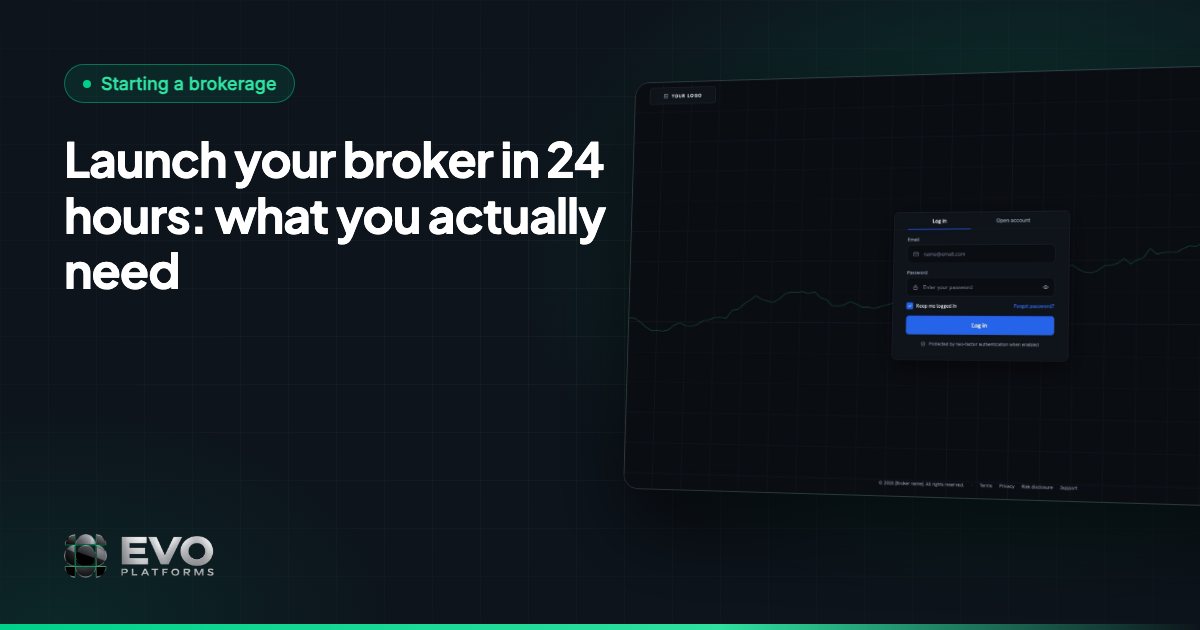
- The switch-over follows five steps: brand and domain, symbols, team roles, client onboarding and go-live, in less than 24 hours.
- Spreads, symbol limits, leverage per client, margin call and stop out, and account controls are ready on day one; risk groups and the dealing room are coming soon.
- EVO plans start from $2,500 per month, with 24/7 Telegram support at @evoplatforms.
Why brokers decide to switch platforms
The reasons are usually practical, not technical. The same problems come up again and again:
- A slow or dated platform. Clients compare your platform with every app on their phone. If it feels heavy or old, they notice.
- Too many separate tools. The trading platform comes from one vendor, the CRM from another and the price feed from a third, and your team spends every week keeping them in sync.
- Support that does not answer. When a client cannot log in or a symbol stops quoting, waiting until the next working day is not an option.
- A brand that breaks. Your logo is on the website, but the platform, the client area or the sign-up page still shows someone else's name.
- Shared infrastructure. Your brokerage runs on the same servers as other brokers, and you have little visibility into who can access what.
If two or three of these sound familiar, a switch is worth planning.
What changes when you move to EVO
EVO Platforms replaces a stack of separate products with one system: EVO WebTrader, EVO CRM with the back office built in, a real-time price feed and, if you want it, a broker website. These are the reasons brokers give for switching to EVO:
| What you get | What it means for your brokerage |
|---|---|
| Fully white-label | Your logo, colours and domain everywhere. Clients never see “EVO”. |
| Isolated server | A dedicated VPS for your brokerage, so your data never touches another broker. |
| Flat monthly fee | One subscription, paid in crypto, with no usage limits. |
| 24/7 monitoring | Your platform is watched around the clock, so problems are spotted early. |
| Custom features | Anything specific to your workflow can be built on top of EVO. |
| Multi-language | English, Arabic with full RTL and German, plus any other language you need. |
For clients, the change is a platform that is simple and professional, on desktop and mobile, in dark and light themes. For your team, it is one login for leads, clients, trading accounts, deposits and risk controls.
What to prepare before the switch
A smooth move starts with a short list of decisions, so your platform can be configured in one pass:
- 1Brand assets and domain. Your logo, brand colours and the domain you want your platform and client area to run on.
- 2Your symbol list. The instruments your clients trade today, and the spread you want on each one. EVO's feed covers 250+ symbols across Forex, metals, indices, crypto, commodities and stocks, and any symbol can be added on request.
- 3Trading rules. Minimum and maximum lot sizes and maximum exposure per symbol, default leverage, and your margin call and stop-out levels.
- 4Your team and roles. Who is an admin, who leads a team, and who works on the sales desk or the retention desk.
- 5Payment methods. How your clients deposit and withdraw: USDT and other crypto, cards, bank transfer or local methods.
- 6Languages. English, Arabic and German are ready; tell us if your clients need another language.
The switch-over, step by step
Every switch follows the same clear checklist. We connect your brand and domain, configure your symbols and set up your team, then go live.
1. Brand and domain connected
Your logo, colours and domain are set up across the trading platform, the client area, and the login and sign-up pages. From the first click, clients see your brand.
2. Symbols configured
Your instruments are switched on in the price feed, with the spreads and limits you chose. Quotes stream in real time with no delays, and crypto prices keep moving 24/7, weekends included.
3. Team roles set up
Admins, team leaders, sales agents and retention agents get the access they need before day one. Each role sees the leads and clients it works on, and nothing more.
4. Clients onboarded
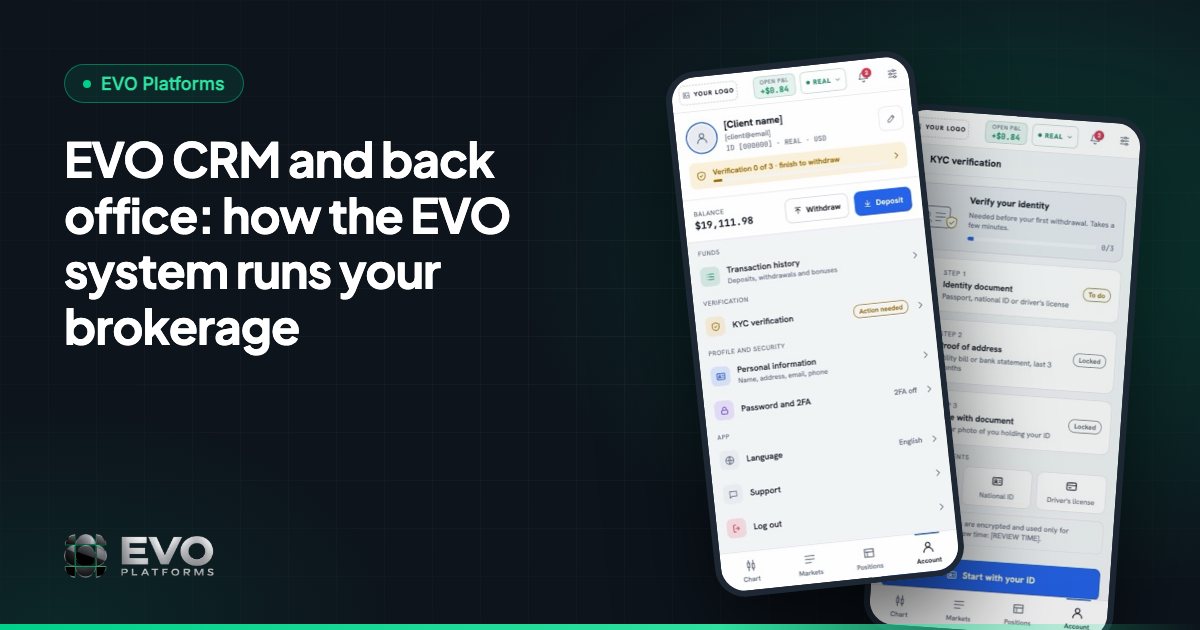
Your clients sign up or log in on your branded pages, complete their profile and KYC documents in the client area, and fund their accounts. Each client is linked to their trading accounts inside EVO CRM.
5. Go-live
Your platform runs on its own dedicated server, monitored around the clock. Once you subscribe, EVO is deployed and live in less than 24 hours.
If you are planning a launch around a specific date, read how to launch a broker in 24 hours for the full deployment timeline.
Moving from MetaTrader or another platform
Many brokers who contact us currently run MetaTrader. It is a well-known platform that many traders already use, and it is usually delivered as a downloadable terminal and app, with the CRM and the website coming from separate providers.
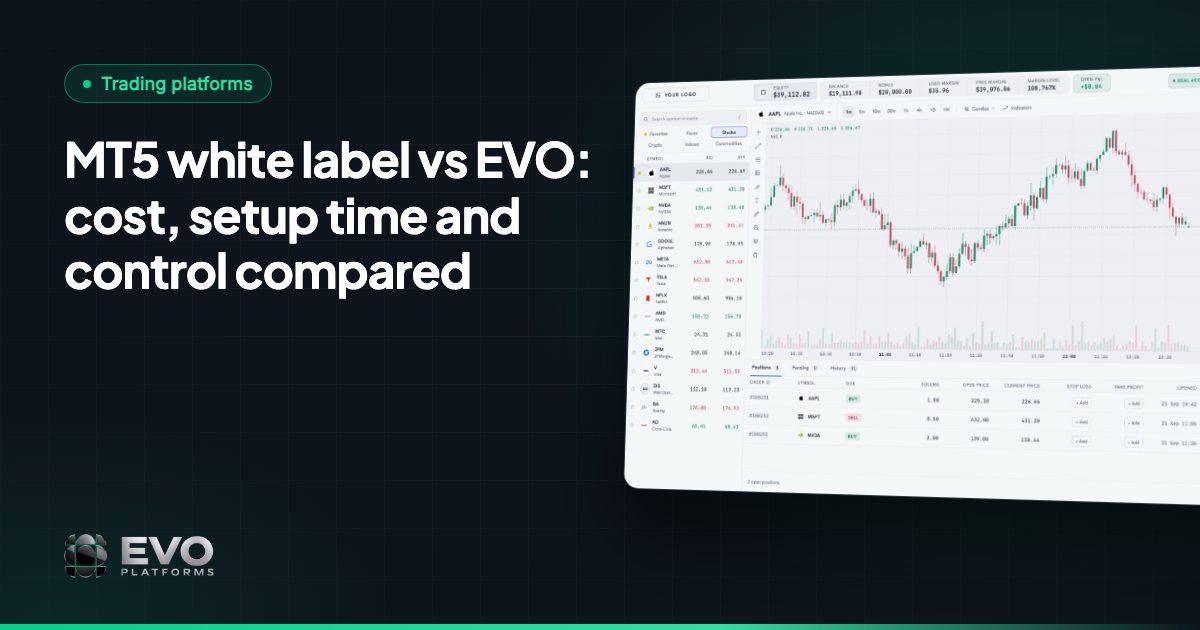
EVO takes a different approach. EVO WebTrader runs in the browser on desktop and mobile, so clients open your domain and trade, with nothing to install. The CRM, the back office and the price feed are part of the same system, so there is nothing to connect between vendors. For a side-by-side view, see MT5 white label vs EVO and our guide to MetaTrader alternatives.
If your workflow depends on something specific, tell us. EVO's custom development team builds features on top of the platform, and every request is quoted up front.
Trading and risk controls from day one
Execution on EVO is handled in-house, with risk management built into the back office. From the first trade, your dealing team has:
- Spread control on every symbol.
- Limits per symbol, including volume and trading limits.
- Leverage per client.
- Margin call and stop out at your levels, handled automatically.
- Take profit and stop loss on every order, with full control over client positions.
- Suspended accounts, where the client can log in but cannot trade, deposit or withdraw, and disabled accounts, where the client cannot log in at all.
Risk groups and a dedicated dealing room are coming soon. Security is in place from the start: you can whitelist the IP addresses allowed into the CRM and back office, and the security logs record every action by CRM users and clients: who, what, when and from which IP.
Cost and support after the move
EVO is one flat monthly subscription, paid in crypto, with no usage limits. EVO plans start from $2,500 per month. That covers the branded WebTrader, the price feed, EVO CRM, the back office, your dedicated VPS, and 24/7 support and monitoring. See pricing for what each plan includes.
Support is Telegram-first and available 24/7 at @evoplatforms, with answers in minutes from the team that builds the platform. When you are ready to plan your move, contact us and we will walk you through the switch-over for your brokerage.
Frequently asked questions
How long does it take to switch my brokerage to EVO?
Once you subscribe, EVO is deployed on your own dedicated server and live in less than 24 hours, with your brand, domain, symbols and team roles set up.
Will my clients see the EVO name after the switch?
No. EVO is fully white-label. Your logo, colours and domain are used on the trading platform, client area, login and sign-up pages and website. Clients never see “EVO”.
Do my clients need to download anything?
No. EVO WebTrader runs in the browser on desktop and mobile, so clients open your domain and trade, in dark or light theme.
Can EVO match a feature from my current platform?
Often it is already included. If it is not, EVO's custom development team can build features, modules and integrations on top of the platform, quoted up front.
What support do we get during and after the move?
Support is 24/7 and Telegram-first at @evoplatforms, with answers in minutes, and every broker's platform is monitored around the clock.
This article is for general information only and is not legal, tax or financial advice.
Ready to launch your brokerage?
Trading platform, CRM, back office and price feed — white-label and live in less than 24 hours.