EVO CRM and back office: how the EVO system runs your brokerage
How EVO CRM and the EVO back office work together as one system: from the first lead to a funded client, with spreads, leverage, limits, account controls and security built in.
 EVO PlatformsEVO Platforms8 min read
Behind every trading platform there is the system the broker's team works in all day. At EVO Platforms that system is EVO CRM, with the EVO back office built into it. People searching for EVO systems or Systems EVO are usually looking for exactly this: how the EVO system runs a brokerage day to day.
This guide explains what your sales desk, retention desk, finance team and dealers do inside EVO-CRM and the back office, and how it all connects to the EVO trading platform your clients use.
Key takeaways
- EVO CRM and the EVO back office are one system: no second login and no separate tool.
- Leads arrive from your website with their source and get statuses, comments, an owner and an activity log.
- Admins, team leaders, sales and retention agents each get the right access, with separate desks.
- The back office covers spreads, symbol limits, leverage per client, margin call and stop-out, and suspended or disabled accounts.
- An IP whitelist and security logs of every click protect your data; risk groups and the dealing room are coming soon.
One system, not two
Many brokers run a CRM from one vendor and a back office from another, then spend time keeping the two in sync. EVO does it differently: the back office and risk controls live inside EVO-CRM. There is no second login and no separate tool.
Clients, trading accounts, symbols, users, deposits and withdrawals are all managed in the same place. When a lead becomes a client and opens a trading account, everything stays linked.
Leads: from sign-up to first deposit
Every sign-up from your broker website lands in EVO-CRM automatically with its source. From there, your team works each lead with:
- Statuses to show where each lead is in your process
- Sources to see which campaigns and channels bring clients
- Comments so every call and conversation is recorded
- Owner assignment so each lead has one person responsible
- An activity log per lead, so every action on it is tracked
Follow-up reminders by lead status are coming soon, and phone checks and VoIP calling from the CRM are available as custom work.
Roles, sales desk and retention desk
EVO-CRM is built around how brokerage teams are organised. Each role sees the leads and clients it works on:
| Role | What they do in EVO-CRM |
|---|---|
| Admin | Full access: users, roles, settings, clients, accounts and back office |
| Team leader | Manages a desk and the agents in it |
| Sales agent | Works new leads and turns them into funded clients |
| Retention agent | Works funded clients and keeps them active |
Separate sales and retention desks mean new leads and funded clients are handled by the right people, and roles and permissions decide who on your team can see and change what.
Clients, trading accounts and payments
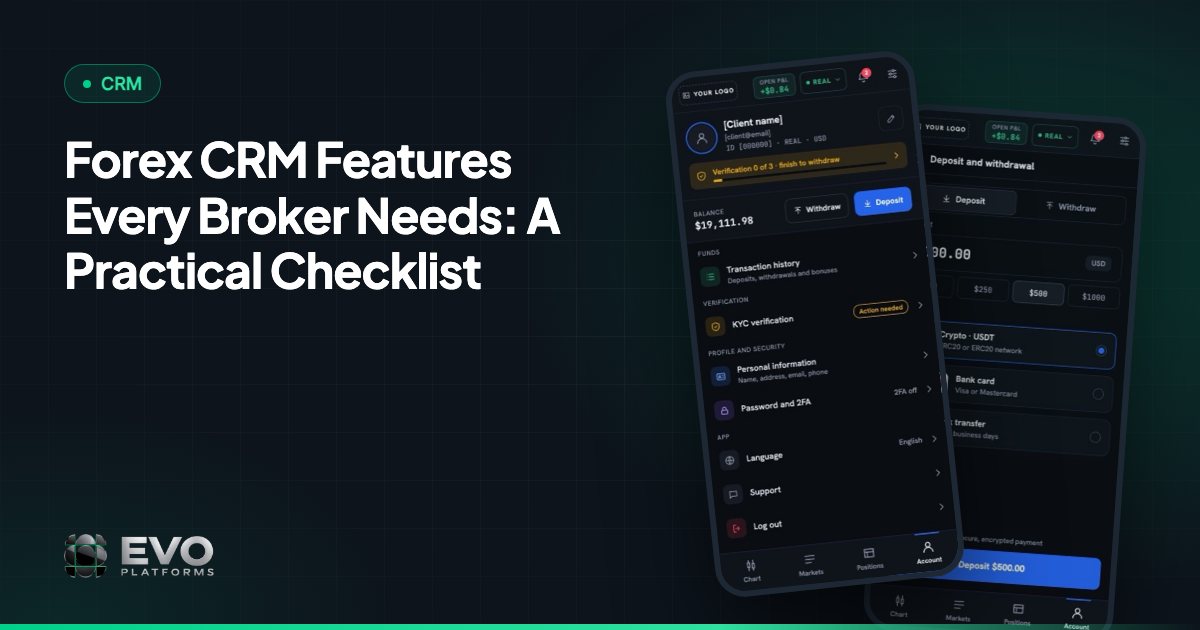
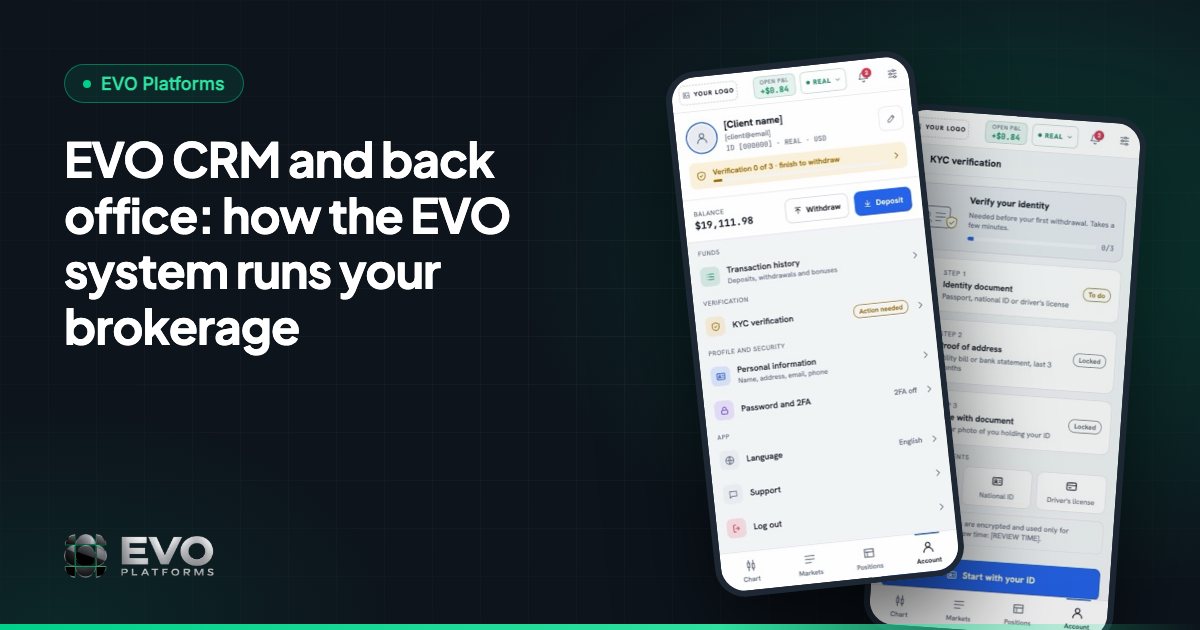
Each client in EVO-CRM is linked to their trading accounts, so your team sees the full picture in one record.
Clients can fund by any payment method — USDT and other crypto, cards, bank transfer or local methods — and any method you need can be connected. Every deposit and withdrawal arrives in the CRM with an approval flow, so your finance team reviews and approves each transaction before it goes through.
Back office: symbols, spreads, leverage and limits
The EVO back office gives your team the controls to run in-house execution with risk management built in:
- Spread control: set and adjust the spread on every symbol.
- Limits per symbol: set volume and trading limits for each instrument.
- Leverage per client: give each client their own leverage.
- Margin call and stop-out: your levels, handled automatically.
- Take profit and stop loss: full control over client positions.
- Clients, accounts and symbols: full control over every instrument and account.
The built-in price feed streams 250+ symbols in real time, and any symbol can be added on request.
Suspended and disabled accounts
Sometimes a broker needs to stop activity on an account quickly. EVO gives you two clear options:
| Status | What the client can do |
|---|---|
| Suspended | Can log in and see the account, but cannot trade, deposit or withdraw |
| Disabled | Cannot log in to the account at all |
Both are one click from the client record, so your team can act the moment something needs attention.
Security: IP whitelist and security logs
Your CRM holds your most valuable data, so EVO locks it down:
- IP whitelist: allow access to the CRM and back office only from the IP addresses you approve.
- Security logs: every click and action by CRM users and clients is logged — who, what, when and from which IP.
Each broker also runs on an isolated server, a dedicated VPS, so your data never touches another broker's, and every platform is monitored 24/7.
Reports, custom features and what's coming
Reports show how your desks and leads are performing. And if you need something that fits how your desk works, EVO builds custom features on top of the CRM.
Coming soon to the EVO system:
- Risk groups: group clients and manage risk per group
- Dealing room: a dedicated workspace for your dealers
- Integrations page: connect payment, KYC and other providers with API keys
- Login options: OTP, 2FA, social login and auto-login
Read more about these in risk groups and the dealing room.
Getting started with EVO CRM
EVO CRM and the back office come together with the trading platform, price feed, website and 24/7 support. Your system can be live in less than 24 hours, in English, Arabic with full RTL, and German.
EVO plans start from $2,500 per month, with no setup fee and no revenue share. See pricing, read what is EVO Platforms, or contact us to see EVO CRM in a demo.
Frequently asked questions
What is EVO CRM?
EVO CRM (EVO-CRM) is the CRM from EVO Platforms, built for brokers. It manages leads, sales and retention desks, clients linked to their trading accounts, and deposits and withdrawals with an approval flow, with the back office and risk controls built in.
What are EVO systems?
EVO systems is a common way to search for EVO Platforms: the trading platform (EVO WebTrader), EVO CRM with the back office, the price feed, the broker website and 24/7 support, delivered as one white-label system.
Is the back office separate from the CRM?
No. The EVO back office is part of EVO-CRM. Clients, trading accounts, symbols, spreads, leverage, limits and users are all managed in the same system with one login.
Can I control spreads and leverage per client?
Yes. You can set and adjust the spread on every symbol, set limits per symbol and give each client their own leverage. Margin call and stop-out levels are handled automatically.
How secure is EVO CRM?
Access can be limited to approved IP addresses, and every click and action by CRM users and clients is logged with who, what, when and from which IP. Each broker runs on its own isolated server, monitored 24/7.
This article is for general information only and is not legal, tax or financial advice.
Ready to launch your brokerage?
Trading platform, CRM, back office and price feed — white-label and live in less than 24 hours.